
Goodnotes
Tutorials & Tips
Explore Goodnotes tutorials covering stickers, organization, customization, productivity, and hidden features to get more from your digital notebook.
Customize your GoodNotes toolbar for a workflow that fits you. Edit tools, stay organized, and make note-taking faster than ever.
Learn how to make your digital journal infinite with simple tips and tricks. Keep adding pages, stay organized, and never run out of space for your ideas

Learn how to create a festive Valentine’s Day spread in GoodNotes! Step-by-step tips for digital planning, stickers, layouts, and creative ideas for your digital planner.

Learn how to use split screen in Goodnotes to improve productivity, digital planning, journaling, and note-taking on your iPad.

The #1 tool I use in Goodnotes due to it’s versatile nature. Let's explore the benefits and how to use this Goodnotes tool.

Have you ever wanted to match your pen color with your planner color pallet or lets say a sticker? This new Goodnotes 6 feature allows you to do just that.

Save time planning in Goodnotes by harnessing the power of elements. In this blog we'll explore how to save time planning in Goodnotes.

Using stickers in a digital planner app such as Goodnotes might be tricky at first. I’m here to tell you it’s simple and there are 3 easy ways to add stickers to your digital planner.

Beginners guide to Goodnotes 6, whether you're moving from Goodnotes 5 or new to Goodnotes 6 this highlight the features and tool bars in Goodnotes 6. Providing you with the tools to do what you want, start planning.
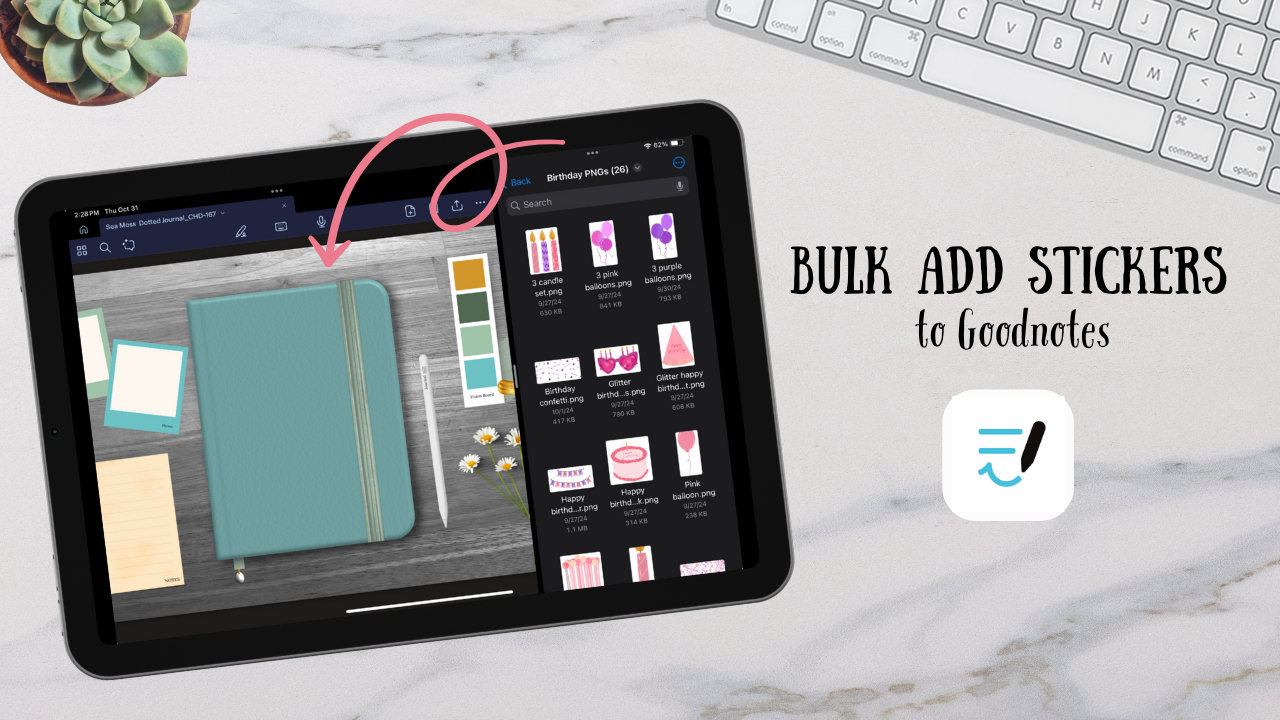
How to seamlessly add stickers to Goodnotes by bulk adding them into elements. So you can easily add your stickers to your planners.
Ready to put these tutorials into practice?
Browse hand-drawn digital journals, Goodnotes sticker books,
and planning tools designed to help you create beautiful digital journals
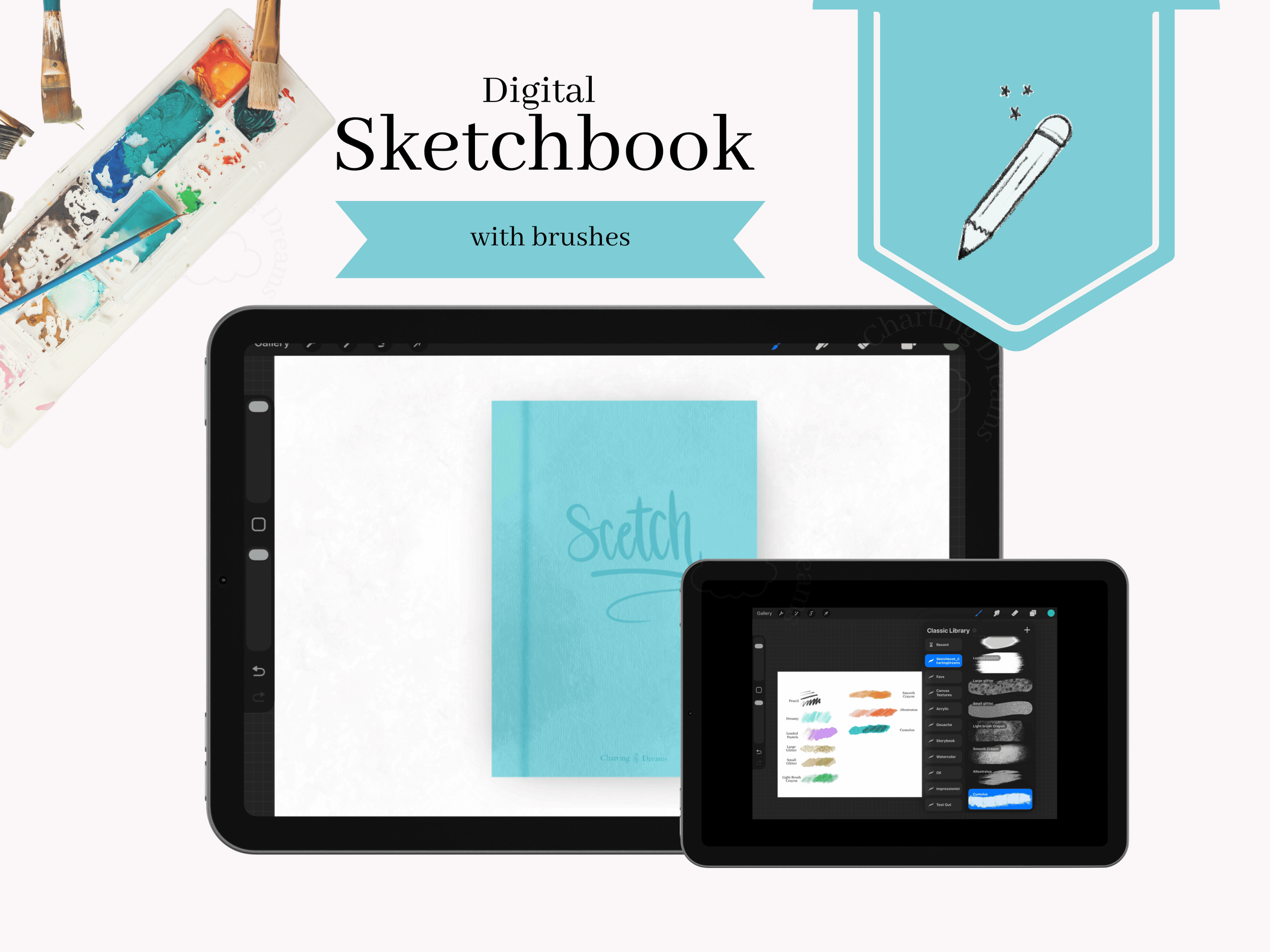
Organize all your digital sketches with this Procreate sketchbook, designed for artists who want a realistic, sketchbook-style workflow on iPad. This digital sketchbook includes 9 custom Procreate brushes—my most-used tools for sketching, shading, and creative experimentation
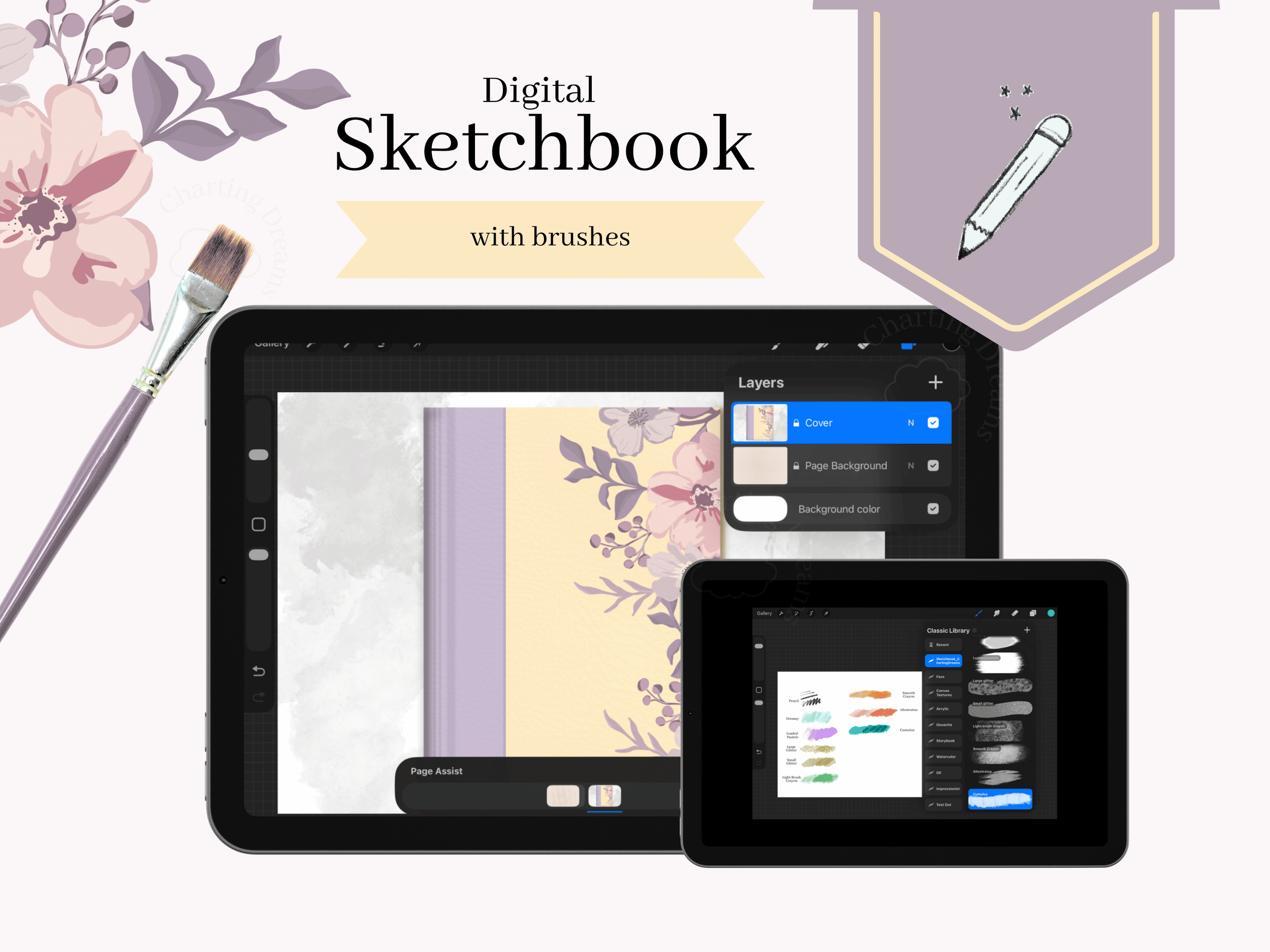
Bring a realistic, traditional feel to your iPad art with this floral digital sketchbook and Procreate brush bundle. Designed specifically for digital artists, this package includes a fully hyperlinked iPad sketchbook template and 9 custom Procreate brushes optimized for effortless sketching, seamless shading, and creative line art.
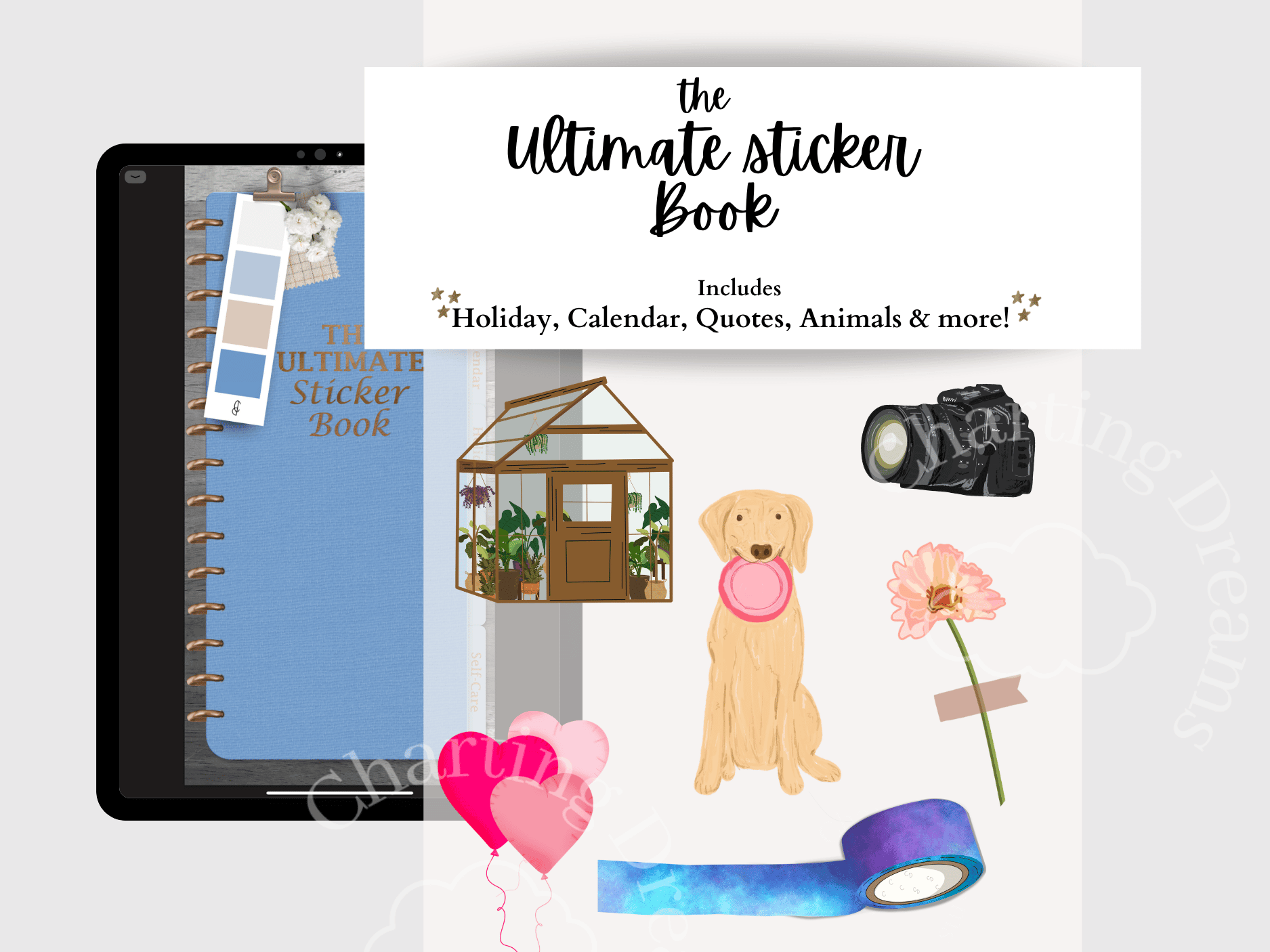
A versatile collection of hand-drawn stickers for digital journaling, planning, and scrapbooking. Includes seasonal artwork, hobby-themed stickers, decorative elements, calendars, and spread accessories all in one organized sticker book.
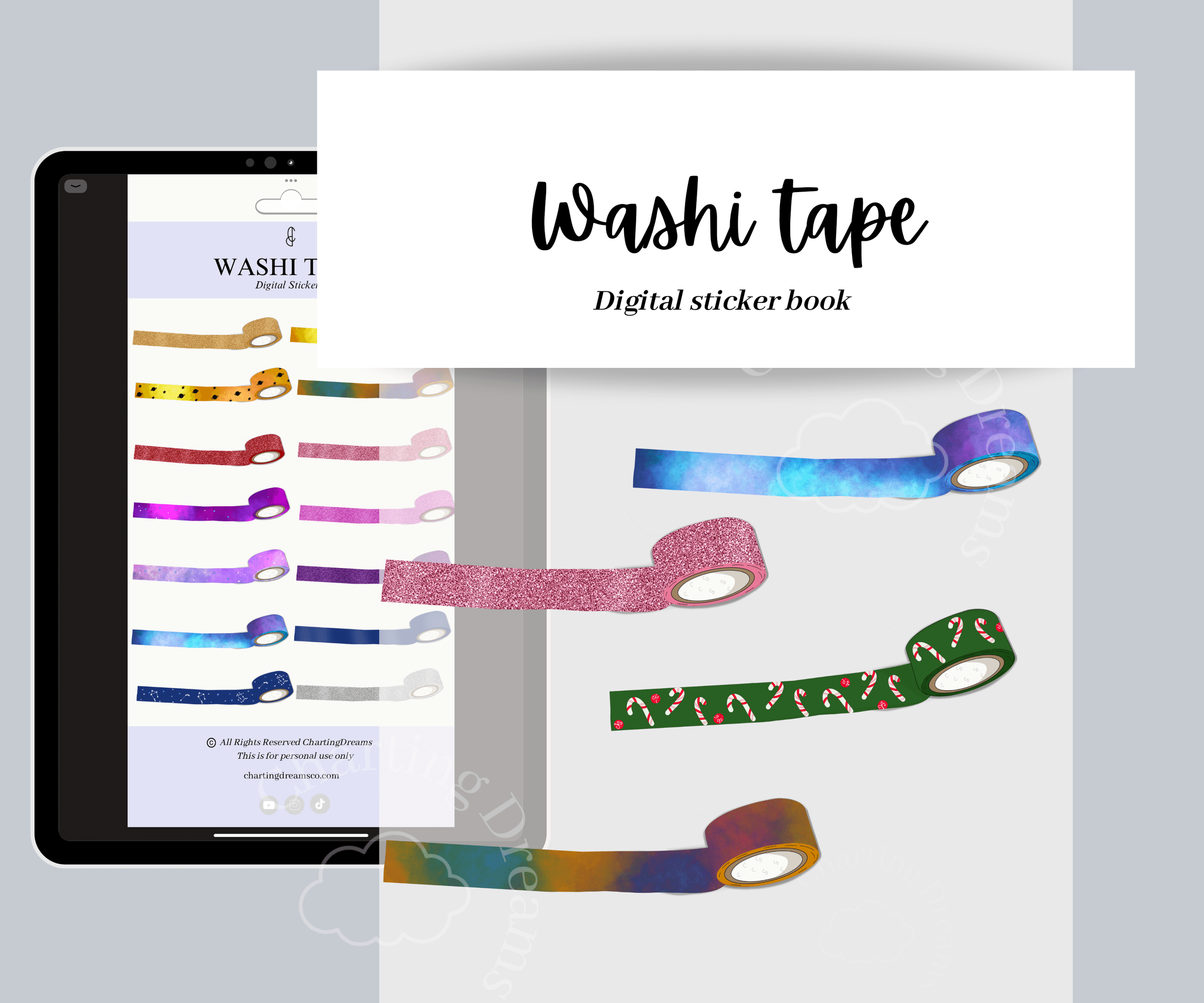
Decorate your planner spread with these realistic washi tapes. Providing the feel of real washi tape. Easily decorate your spread with the full roll or “tear off” a piece of washi tape using the crop tool in Goodnotes , to create the spread of your dreams.
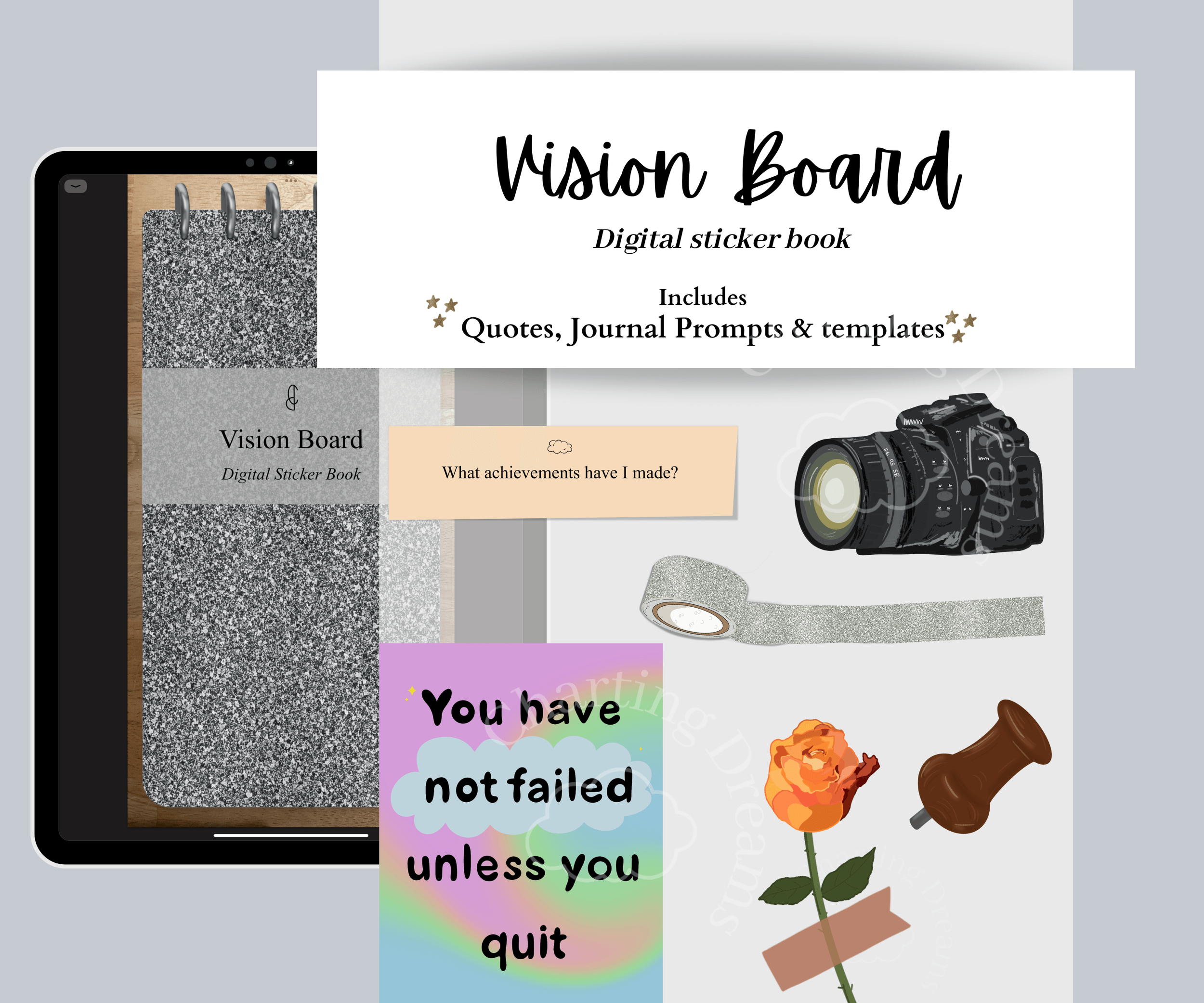
Turn your goals into a visual journal space that keeps your intentions front and center. Perfect for vision board journals, goal setting, manifestation planning, and personal growth spreads.
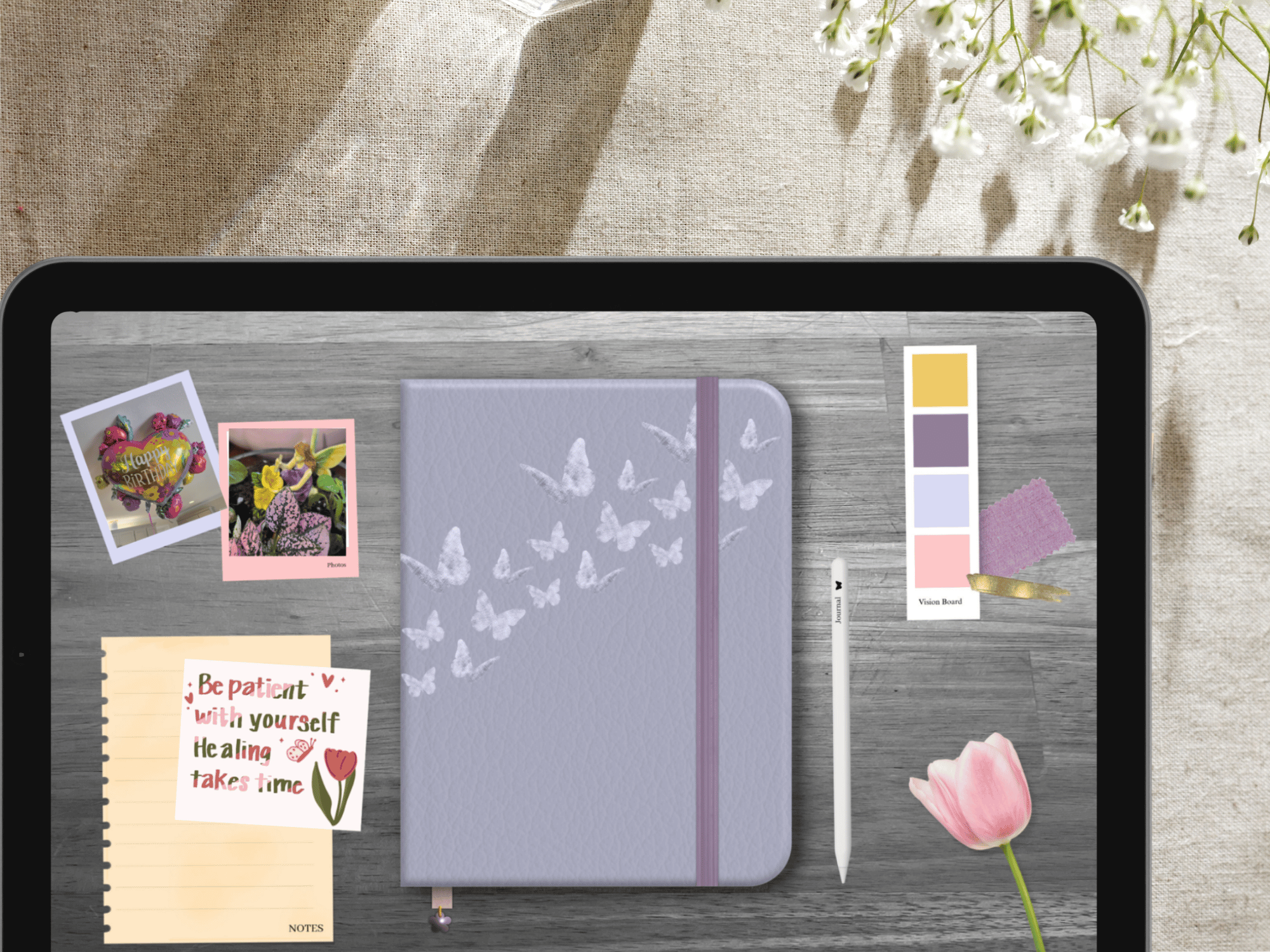
Self-discovery journal designed to help you challenge negative thoughts around food and body image while building self-compassion. Inside, you’ll find reflective prompts, daily food logs, check-ins, and calming coloring pages with positive quotes to support your journey.