
Never Run Out of Space: How to Make Your Digital Journal Infinite
Traditional paper journals come with an unspoken limitation: once the pages are filled, that space is gone forever. Digital journaling in Goodnotes changes that experience by treating your favorite pages as a reusable template rather than a one-time resource. Whether it’s a note page, photo collage, or a vision board, Goodnotes allows you to duplicate those pages in seconds. For example, here at Charting Dreams I created the 5-in-1 Journals which have these core pages designed to be reused endlessly. So your journal can expand, evolve, and adapt to your needs without ever running out.
Ways to Use Your Duplicates:
Vision Boards: Create Yearly, Monthly or Seasonal boards to track your goals.
Photo Collages: Dedicate a fresh page to vacation, a special event, or the beauty of your everyday life.
Endless Notes: Turn the notes into a brain dump or quick notes.
Journal pages: Never run out of paper and keep journaling.
Steps to duplicate a page:
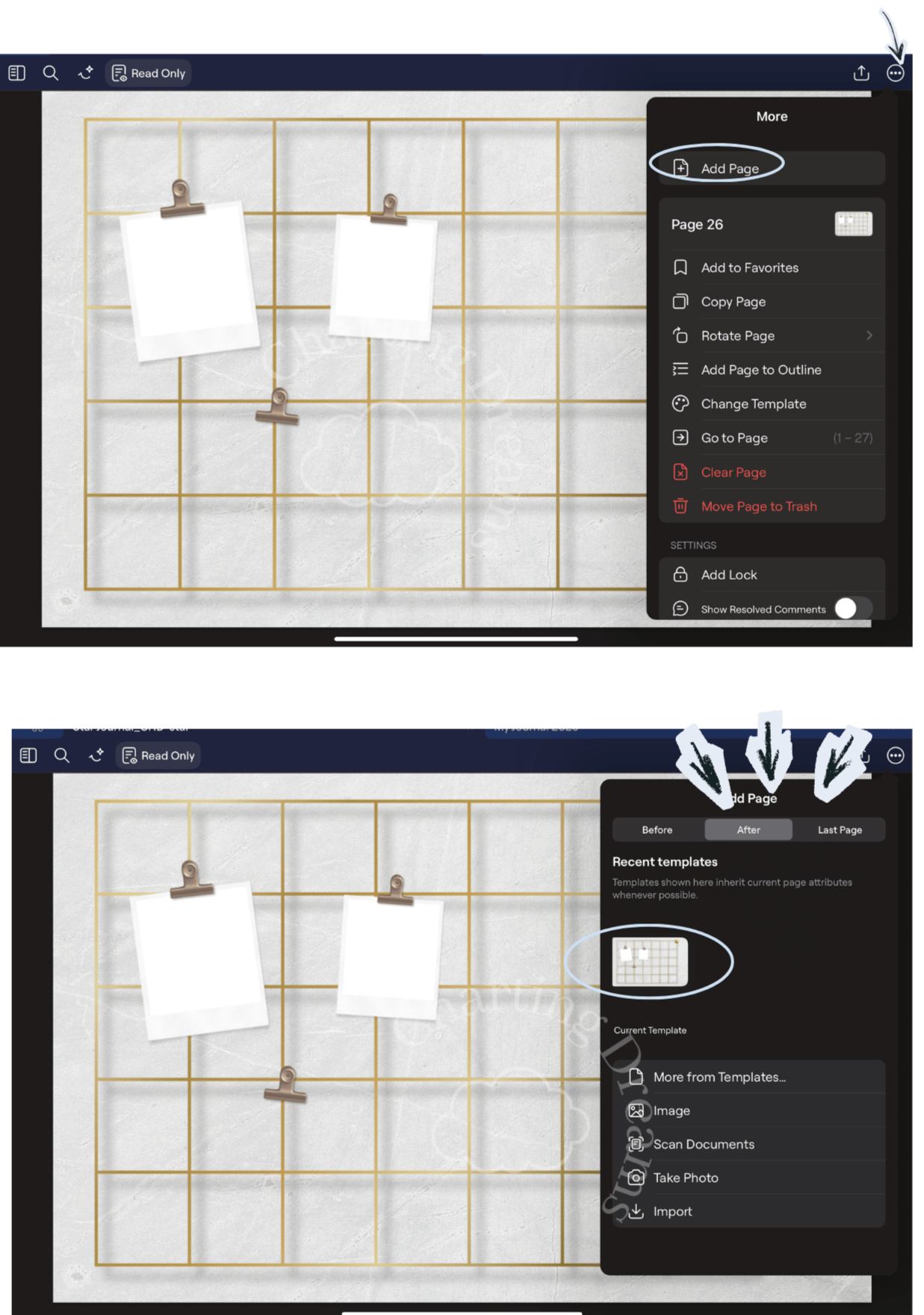
In your template click on the 3 dots at the top right.
Click “Add page”.
A window will pop up where it confirm the template and location.
Select template and where you want it.
Done! Now you have a new page.
Conclusion
Sometimes the smallest changes make the biggest difference. Whether it's adding hyperlinks, creating an expandable journal, or organizing your stickers, these simple techniques can make Goodnotes feel faster, easier, and more enjoyable to use every day.
Keep exploring new features, and you'll be surprised how quickly your digital notebook becomes uniquely yours.
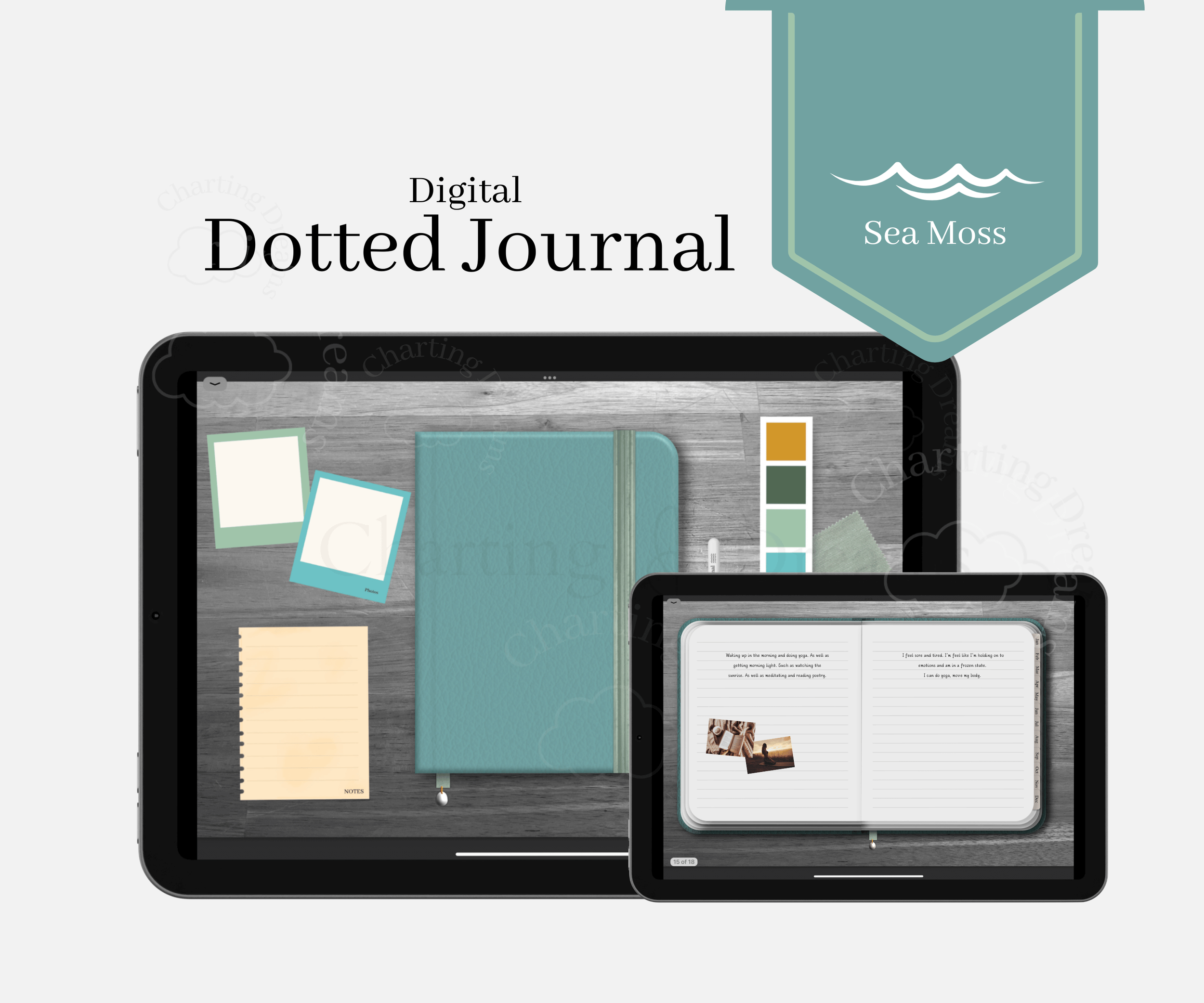
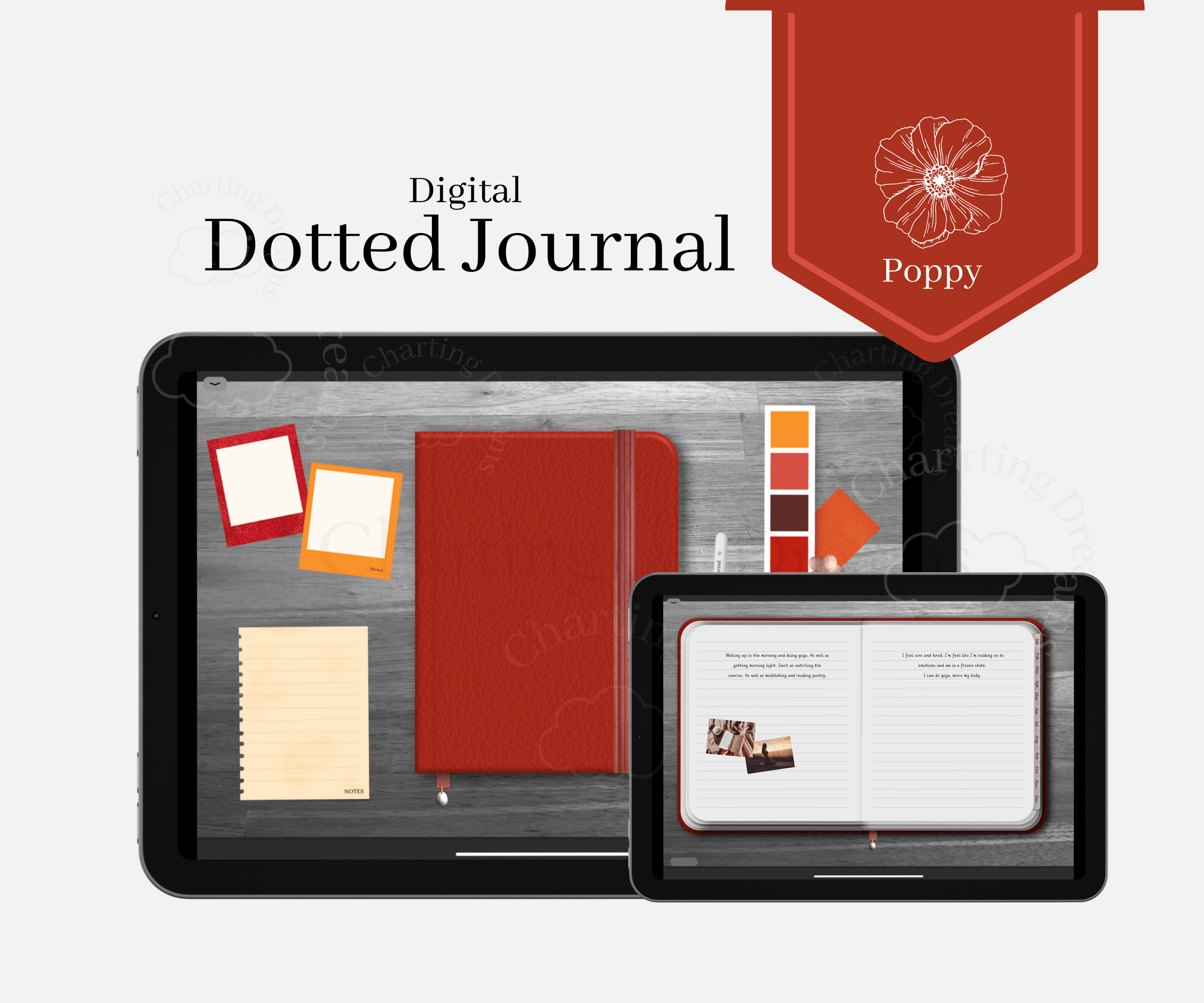
Interested in endless templates? Shop below:
Continue Learning Goodnotes
How to Use the Lasso Tool in Goodnotes – Learn my favorite tool for moving, resizing, and editing handwriting and stickers.
How to Add Hyperlinks to Any Goodnotes Document– Create planners and notebooks that are easy to navigate.
How to Use Digital Stickers in Goodnotes– Discover three simple ways to decorate and organize your planner.



A bright digital journal for planning your day, organizing thoughts, and capturing memories in one uplifting space. Designed for bullet journaling, notes, vision boards, and photo memory keeping in a simple all-in-one system. Soft sunny yellow tones for cheerful, joyful journaling and everyday planning.