How to bulk add stickers to Goodnotes
Step 1:
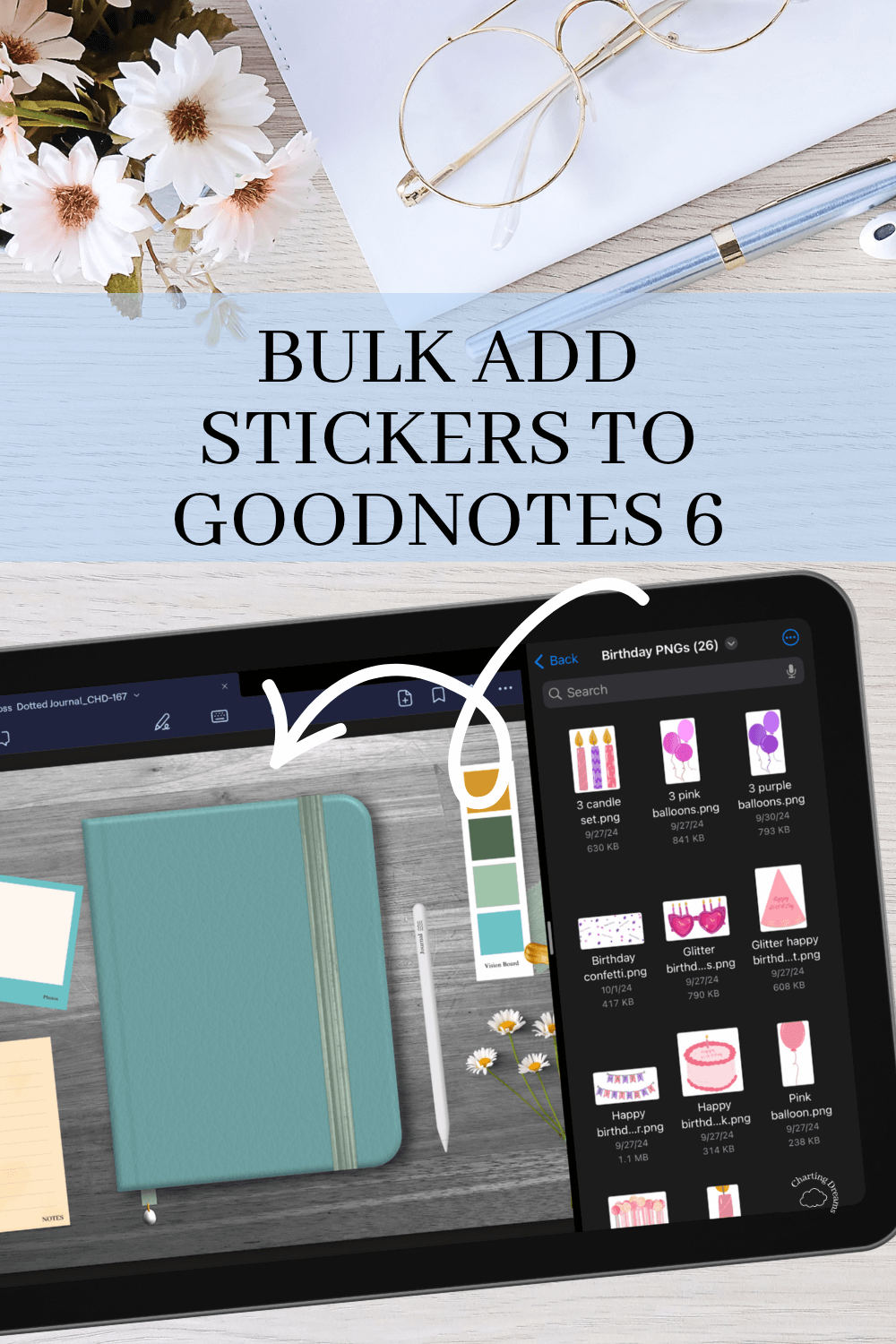
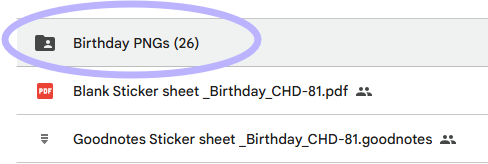
Open your digital stickers and locate the folder with all the pre-cropped PNGs.
Note: This depends on the sticker book you purchased. ChartingDreams sticker books all come with an additional folder with the PNGs saved.
Step 2:
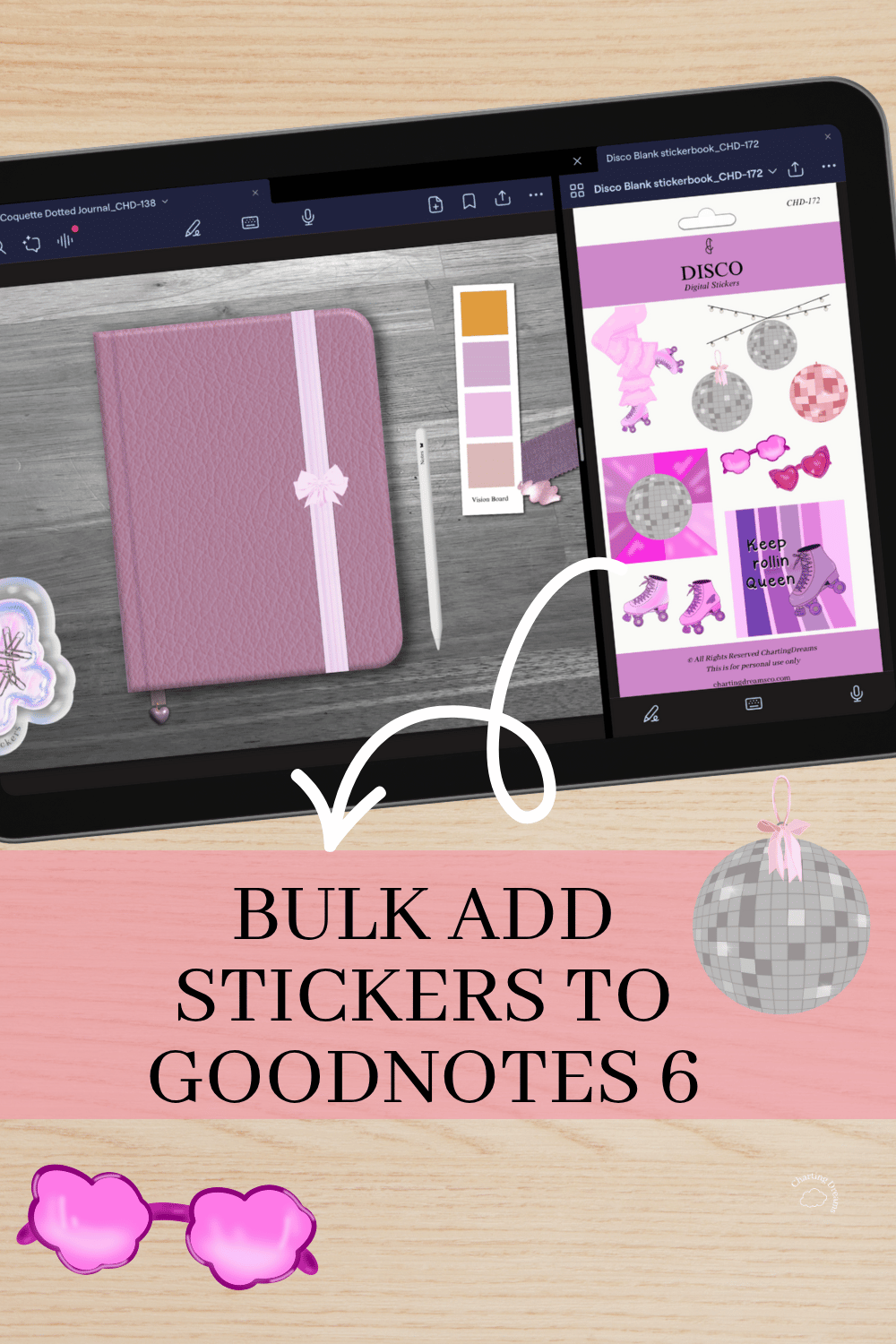
In split screen on your iPad open the PNG folder and your planner in Goodnotes
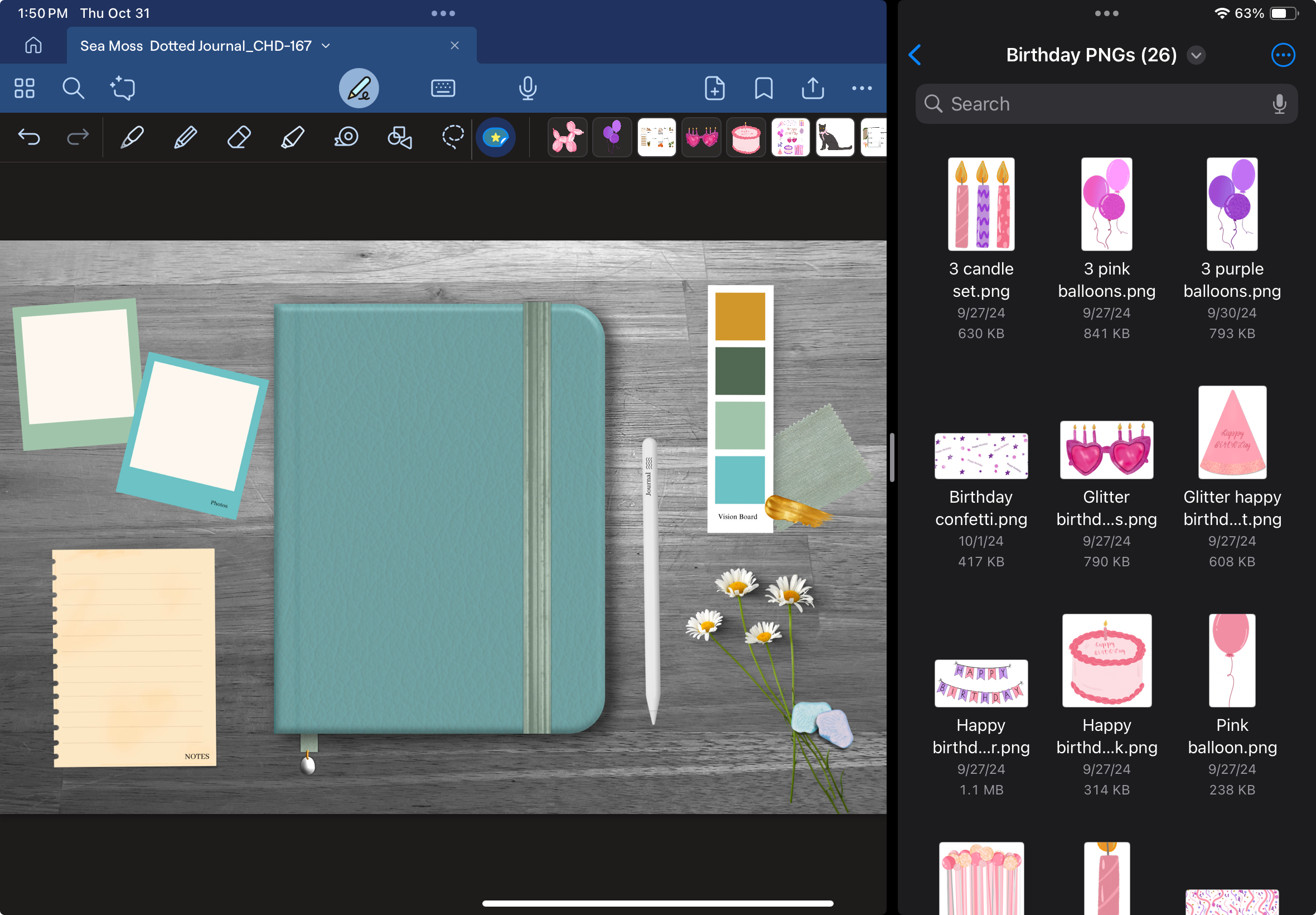
Step 3:
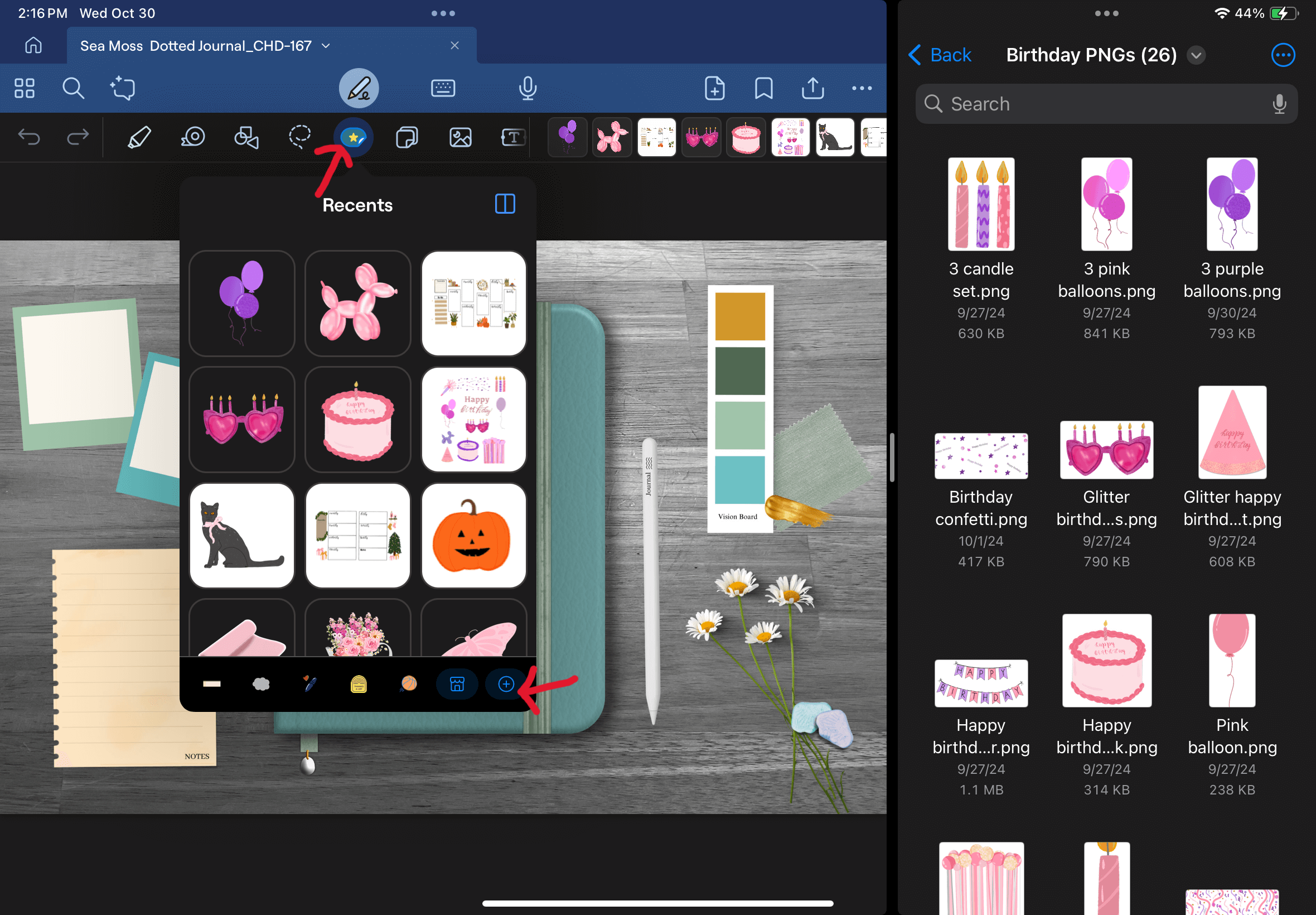
Click on the star in the Goodnotes tool bar to access the elements. Once you select the elements button a window will pop up. Click the plus (+) button at the bottom of this windows tool bar to create a new collection.
Step 4:
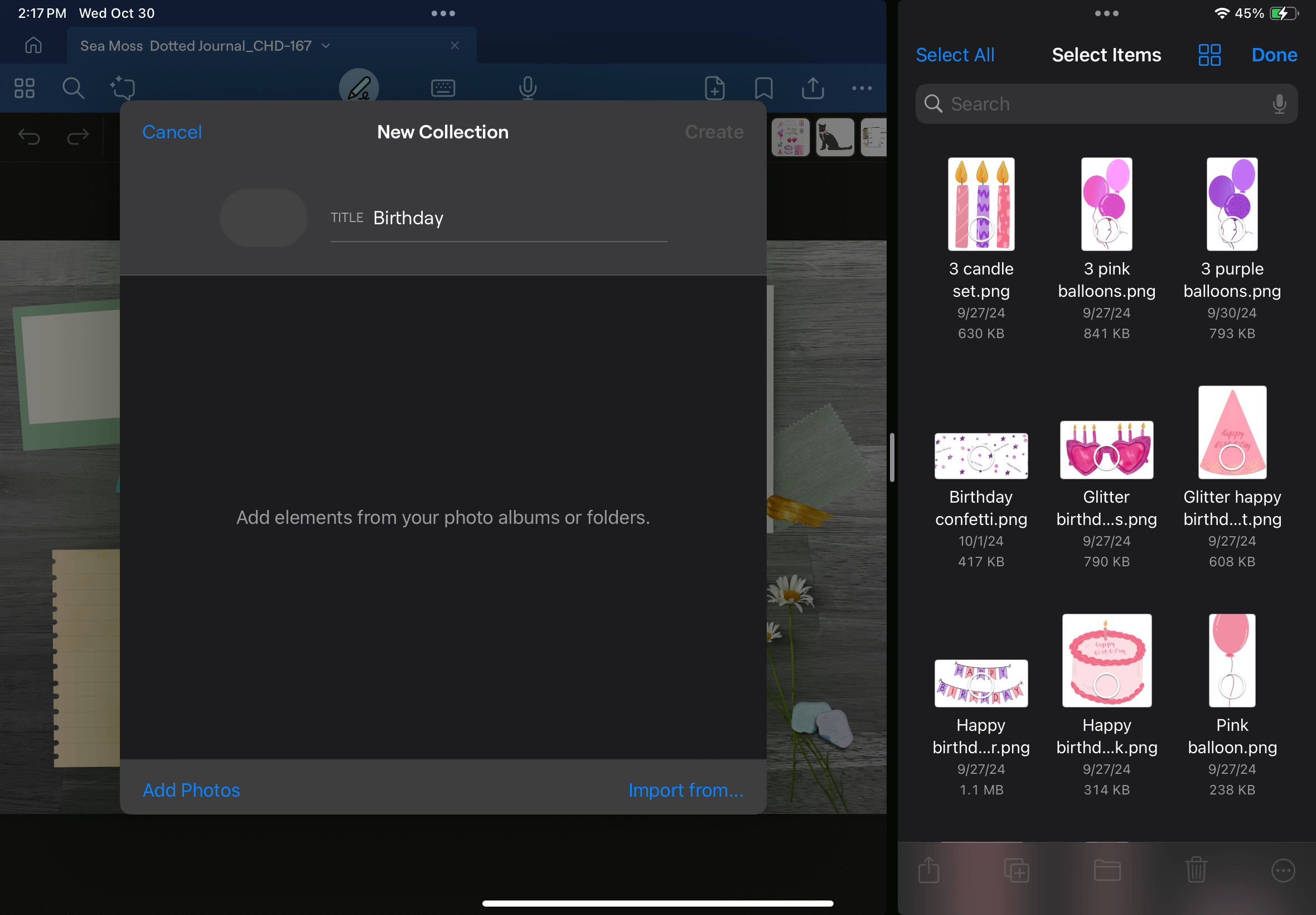
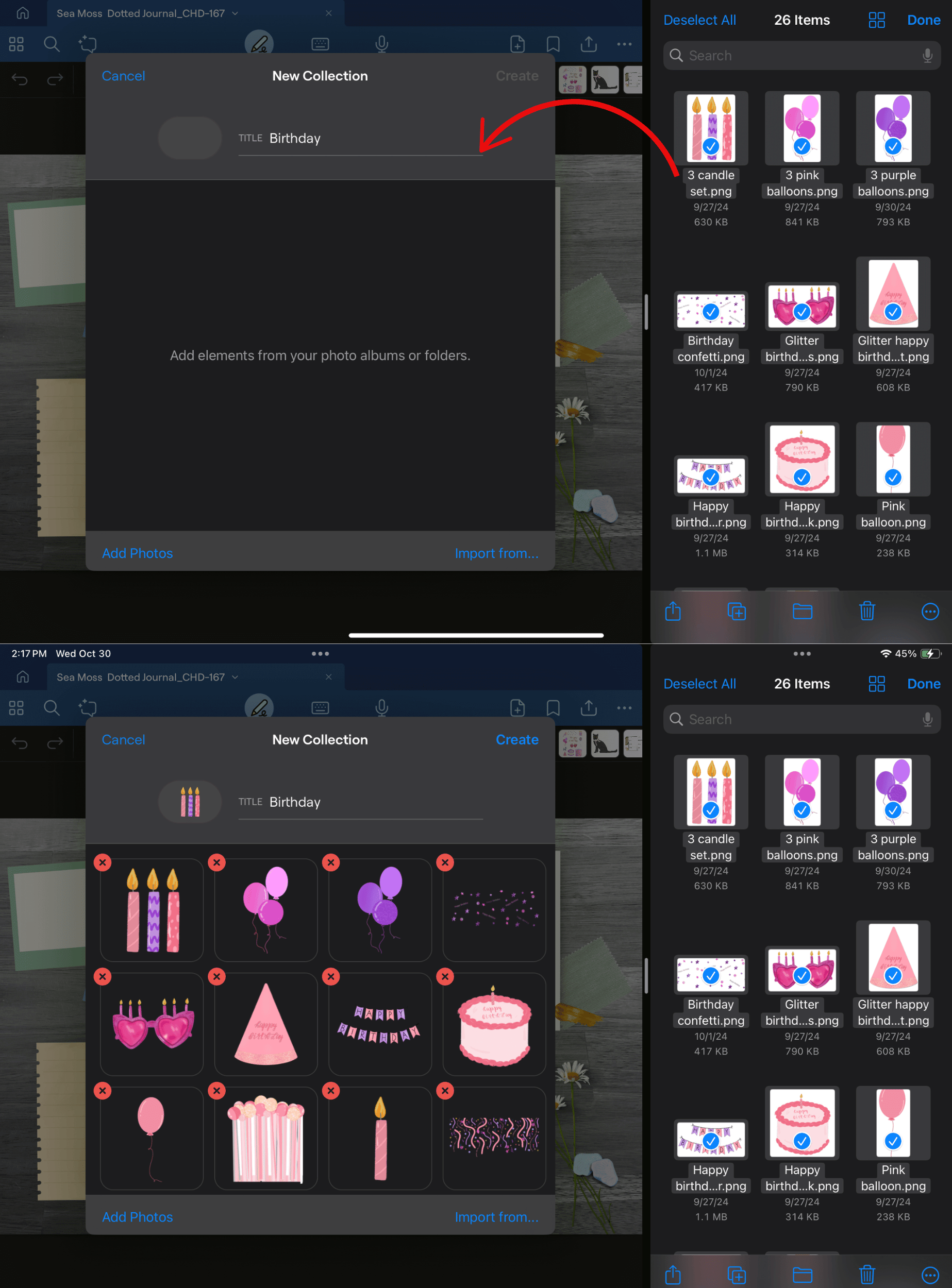
A new window labeled, “New Collection” will pop up where you can label your collection. In this instance I was importing Birthday stickers so I named my collected “Birthday”.
Step 5:
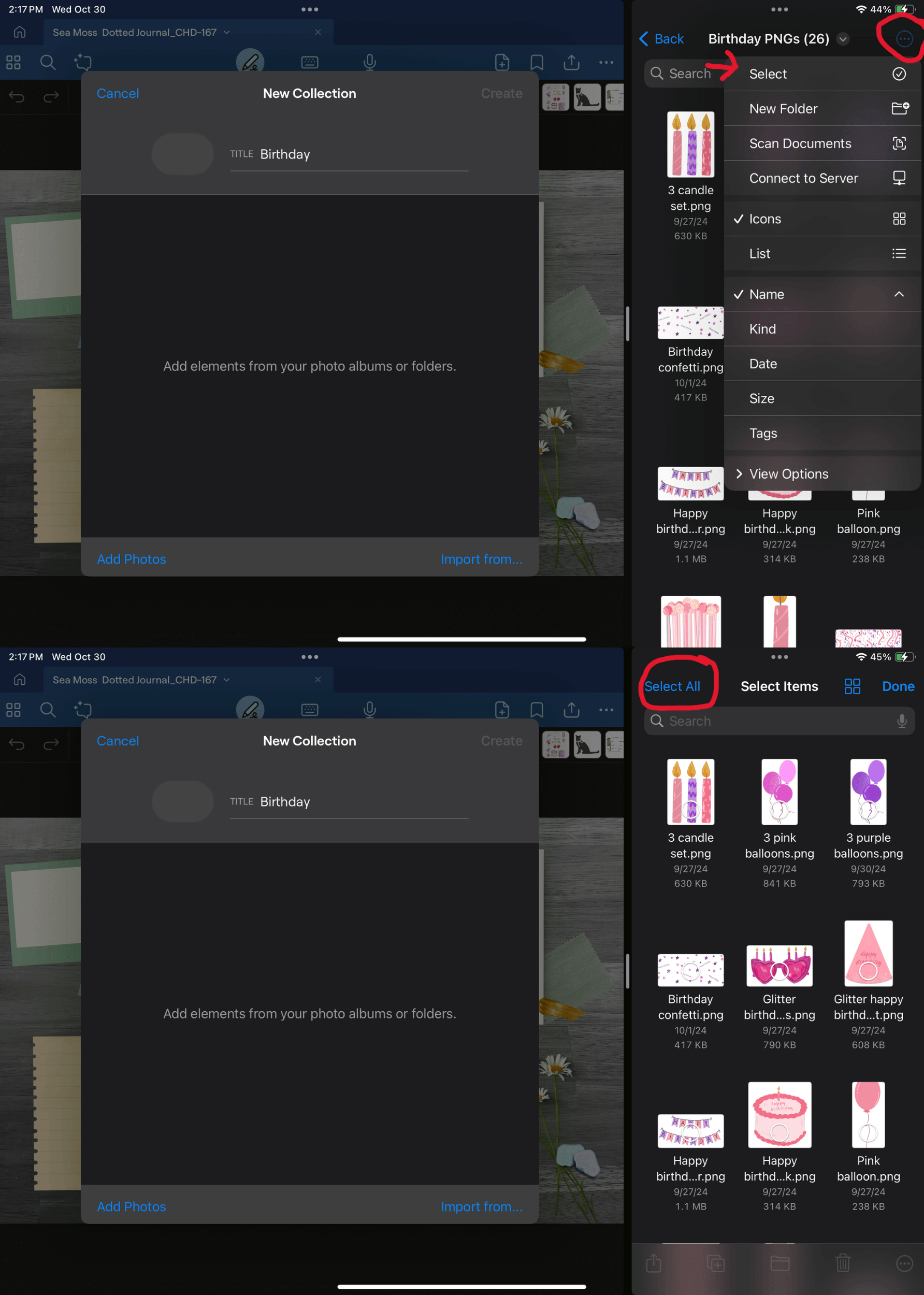
Now in your PNG folder click the 3 dots in the top right corner > Select> Select All
Step 6:
Once all PNGs are selected the PNGs will have a blue check mark. Next in one fluid motion with your apple pencil you’ll click and drag the selected PNGs over to your New Collection. If done correctly, they’ll appear in the New Collection window.
Step 7:
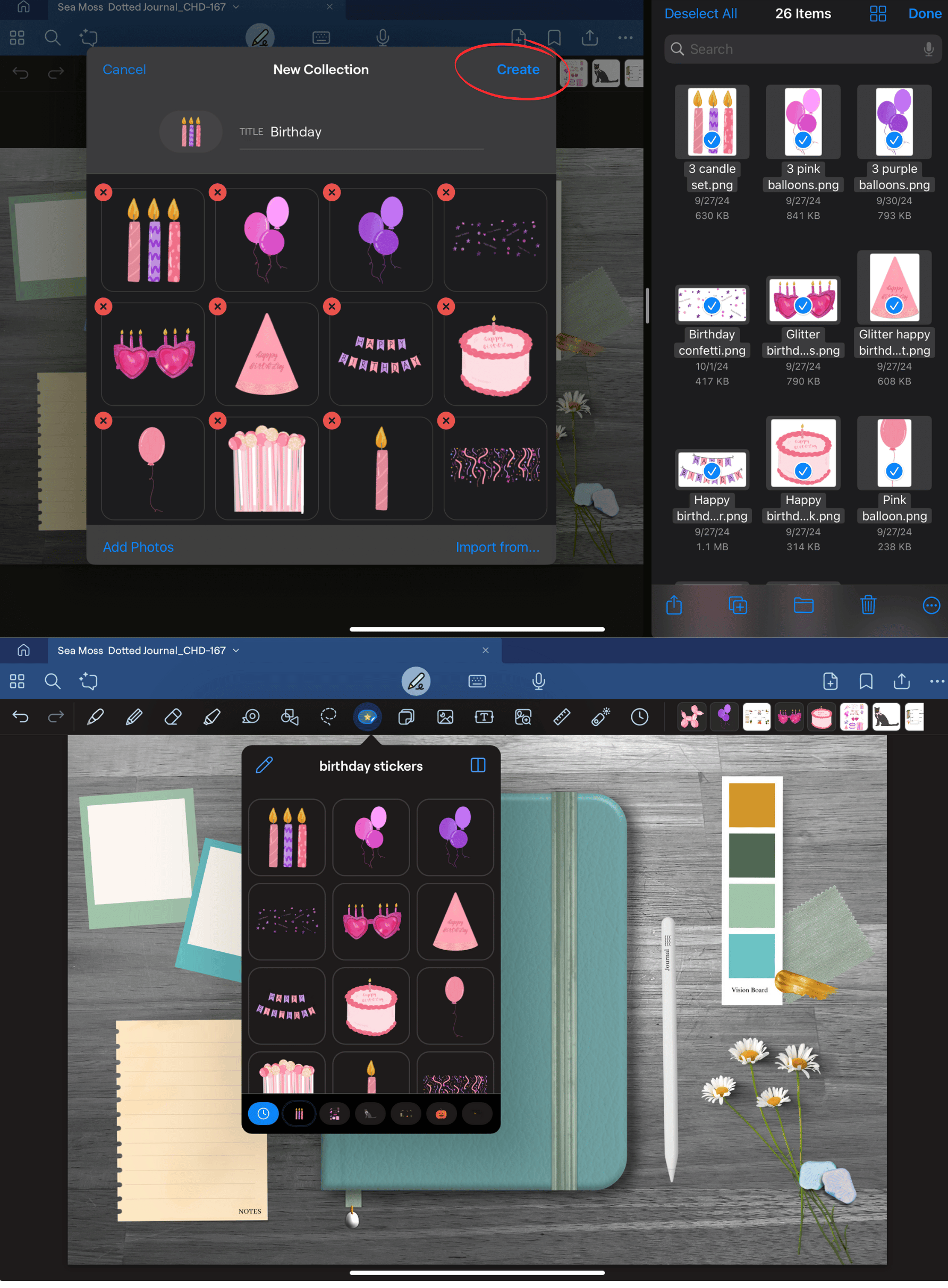
Once all the stickers are added to your New Collection click the create button at the top.
Then check your elements to be sure that your new sticker collection was correctly added.
Enjoy your new collection!
Conclusion:
The bulk-import method is the absolute fastest way to transition your digital planning from a time-consuming chore into an organized, stress-free routine. Instead of wasting minutes individually importing files one by one, importing entire sticker sets into your Elements panel saves hours of layout setup down the road. With your favorite graphics living directly inside your toolbar, you can decorate, track, and design beautiful spreads in just a few seamless taps.
Grab the Tutorial Planning Tools
Ready to test your new bulk-importing workflow right now?
Recreate the exact ocean-inspired look from this post using our calming, cool-toned Sea Moss 5-in-1 Digital Journal. Don't forget to pair it with the pre-cropped Birthday Digital Stickers Sheet to start instantly arranging party countdowns, memory scrapbooks, and celebration alerts across your beautiful new spreads!
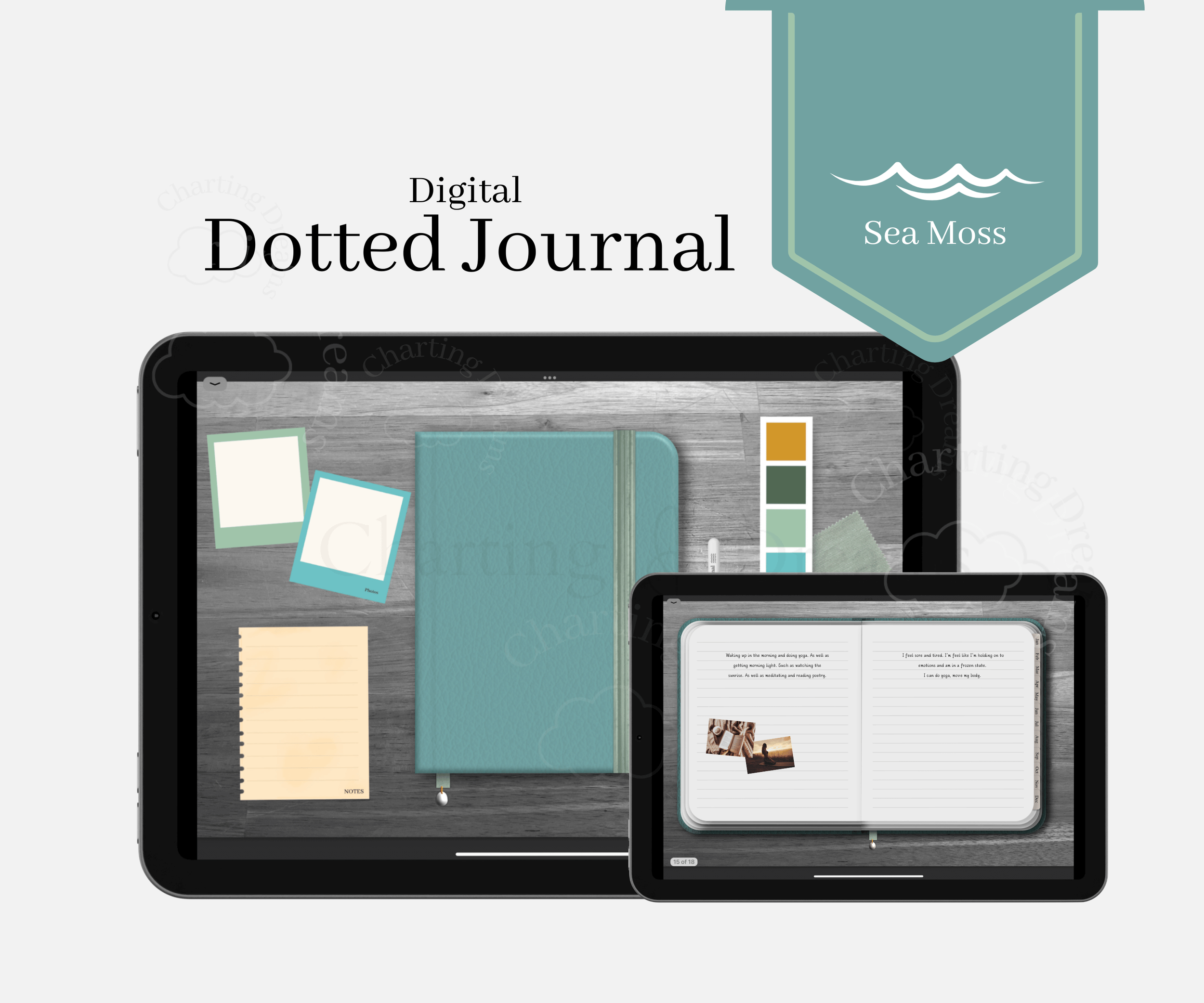
A calm digital journal for slowing down, organizing your thoughts, and capturing everyday moments in one place. Designed for planning, journaling, memory keeping, and visual reflection in a simple all-in-one system. Cool ocean blue tones inspired by the sea for beach-loving, peaceful journaling.
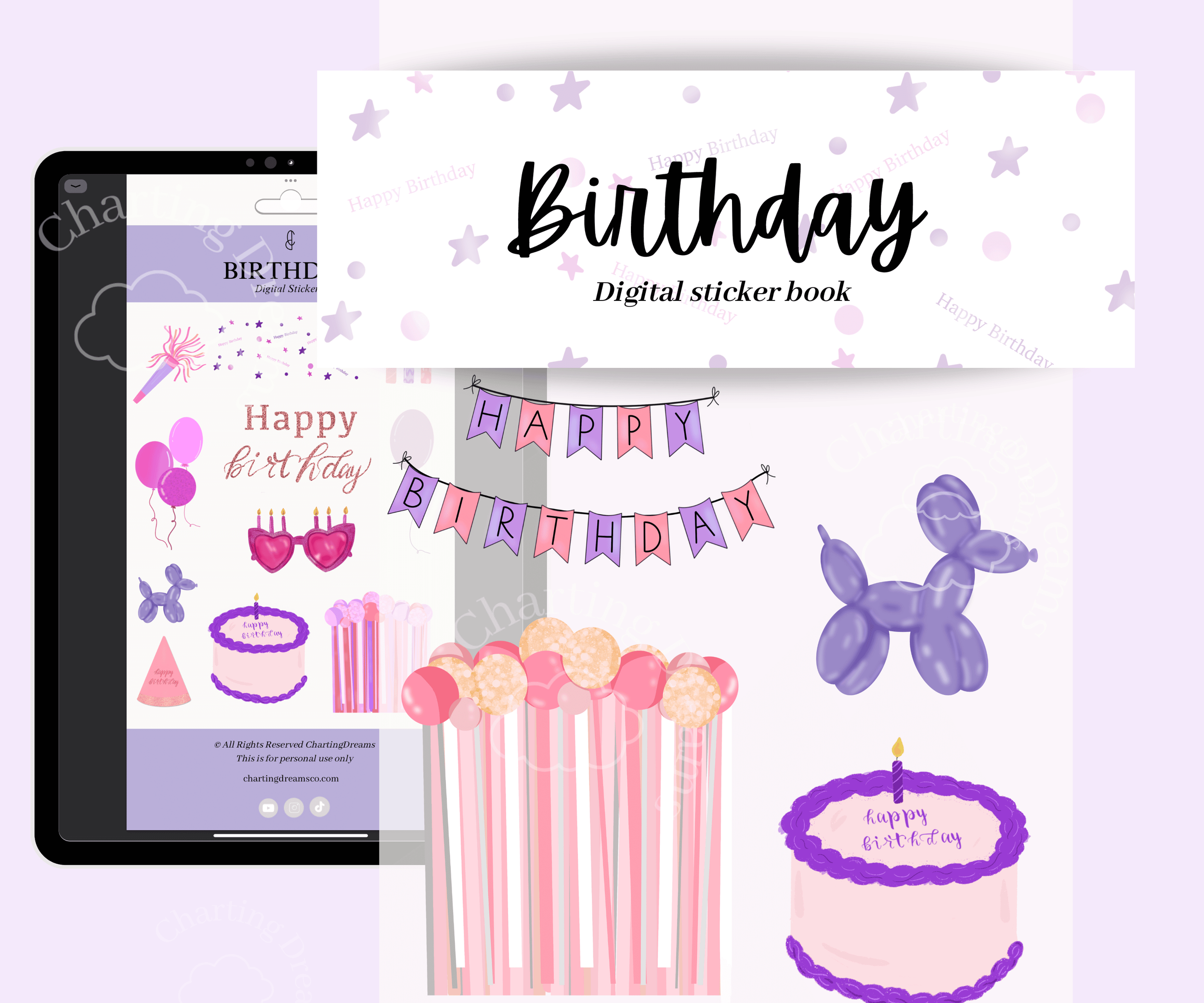
Make birthday memories more fun and organized with themed journal pages for celebrations and events. Perfect for party planning, birthday countdowns, memory keeping, and celebration scrapbooks.
Watch the video below:
Save for later:
Expand Your Digital Planning Skills
Now that your sticker organization is completely optimized, keep building a fast and personalized iPad system with these easy-to-follow tutorials:
Customize Your Layouts: Organize your toolbar for speed with Your Toolbar, Your Way: Making Goodnotes Work for Your Specific Workflow.
Design Endlessly: Never run out of space on your template spreads by checking out Never Run Out of Space: How to Make Your Digital Journal Infinite.
Link Your Pages: Create a web of fast navigation shortcuts inside your layouts with How to Add Hyperlinks to Any Goodnotes Document.