
How to Add Hyperlinks to Any Goodnotes Document
Adding hyperlinks in addition to the ones already in your journal may extend its utility. For example, you can create an index, link to a recipe, or simply make your workflow easier. I create hyperlinks to have an index in different parts of my Journal, as seen below.

Steps:
Type your text

Click your text or highlight it and select the 3 dots in the text window
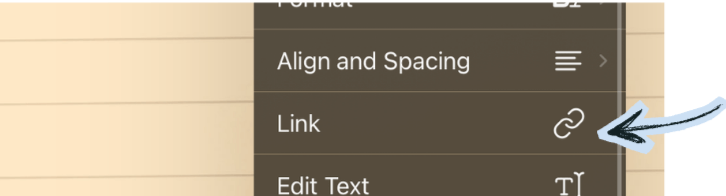
A new window will pop up, scroll down to “Link”
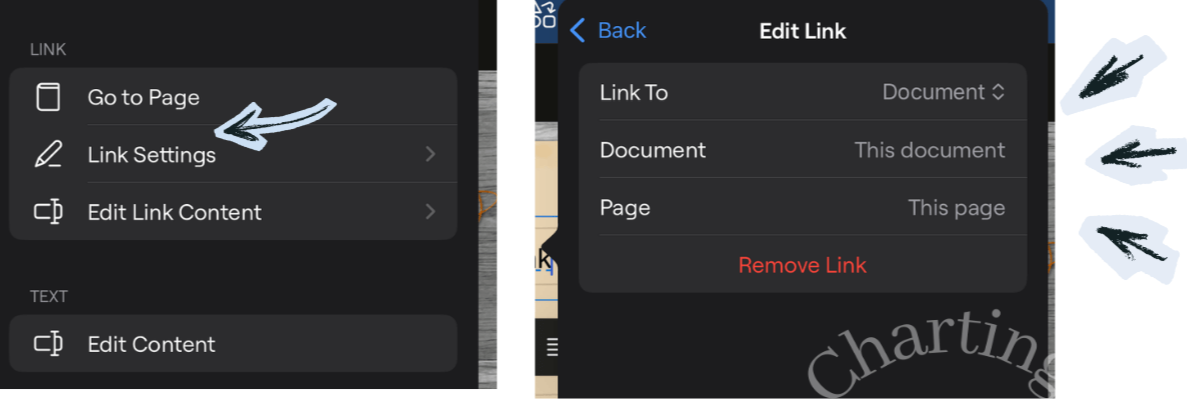
A new window will then populate, click “Link settings” to link it to a page, website or another document. Link and done!
Ideas:
Explore some ideas on how to use your hyperlinks.
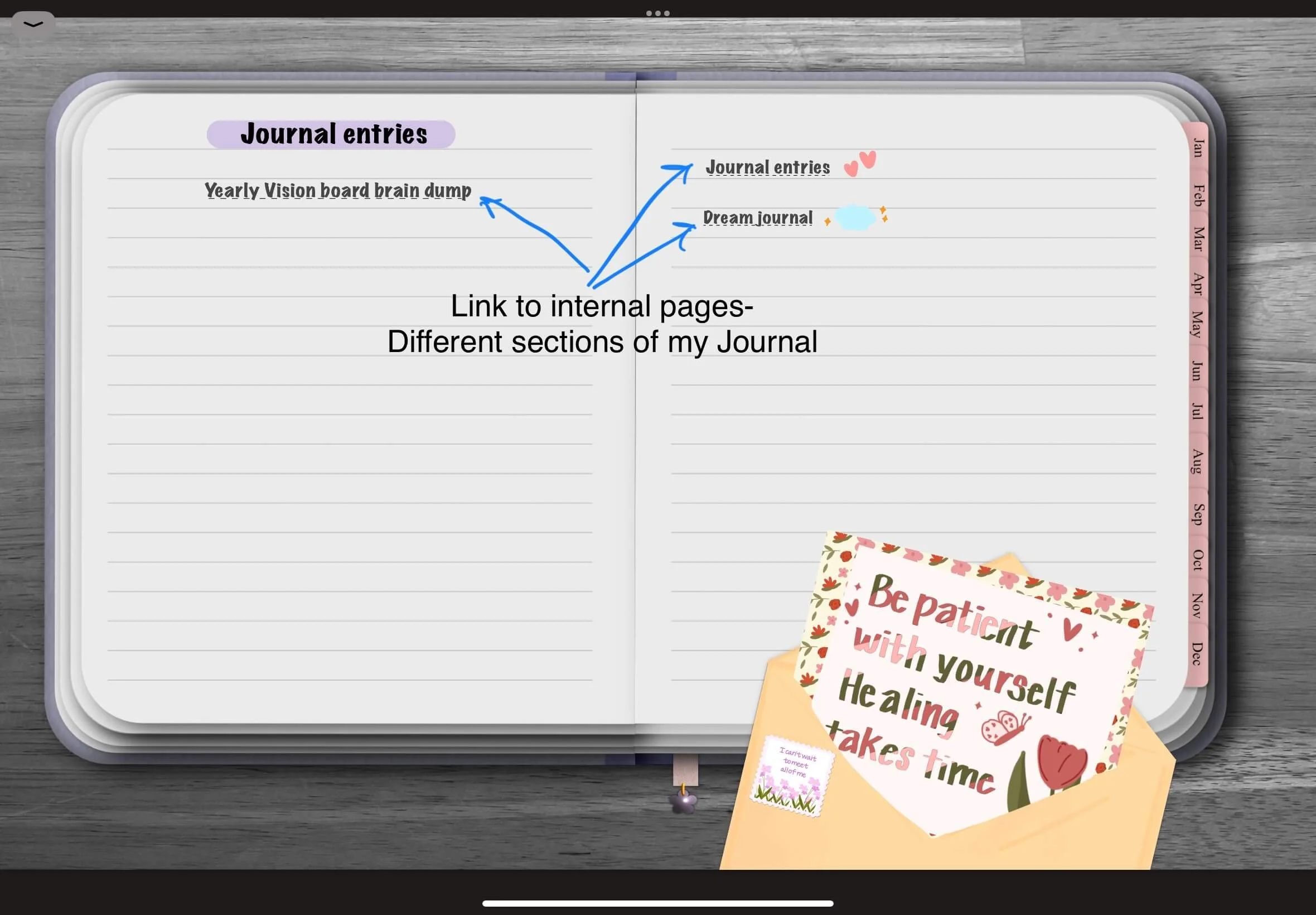
Link to Internal pages: Journal Index
I like creating custom indexes for my Journals. That way I can easily jump to various sections. In this Journal I grouped it by regular Journal entries, Dreams and my Yearly Vision Board Brain dump.
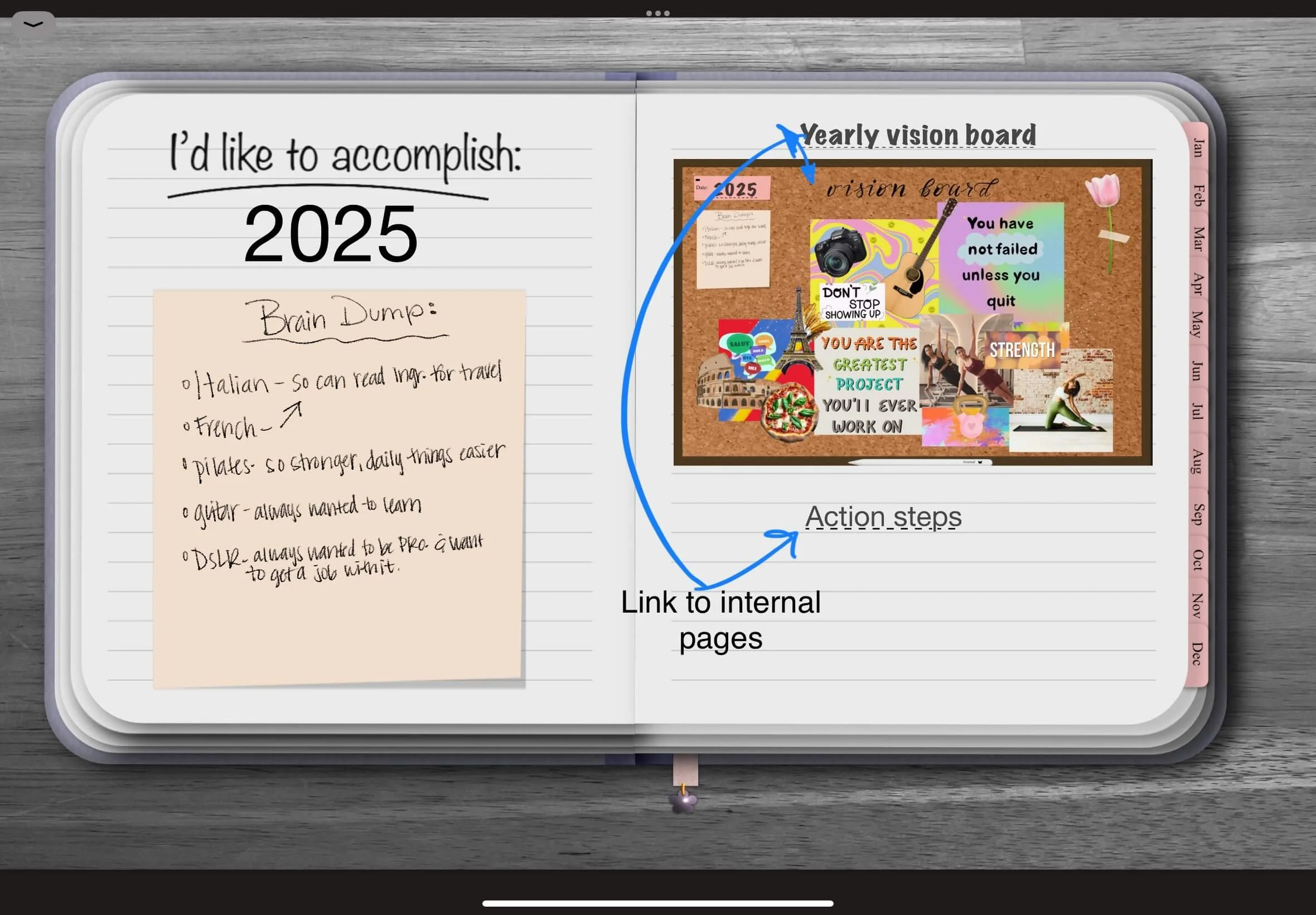
Link to Internal pages: Vision Board
My Journal entry “Yearly Vision Board Brain Dump”, linked to this page where I then had sub links to my yearly vision board and the actions steps. This way I can find these pages without having to scroll.
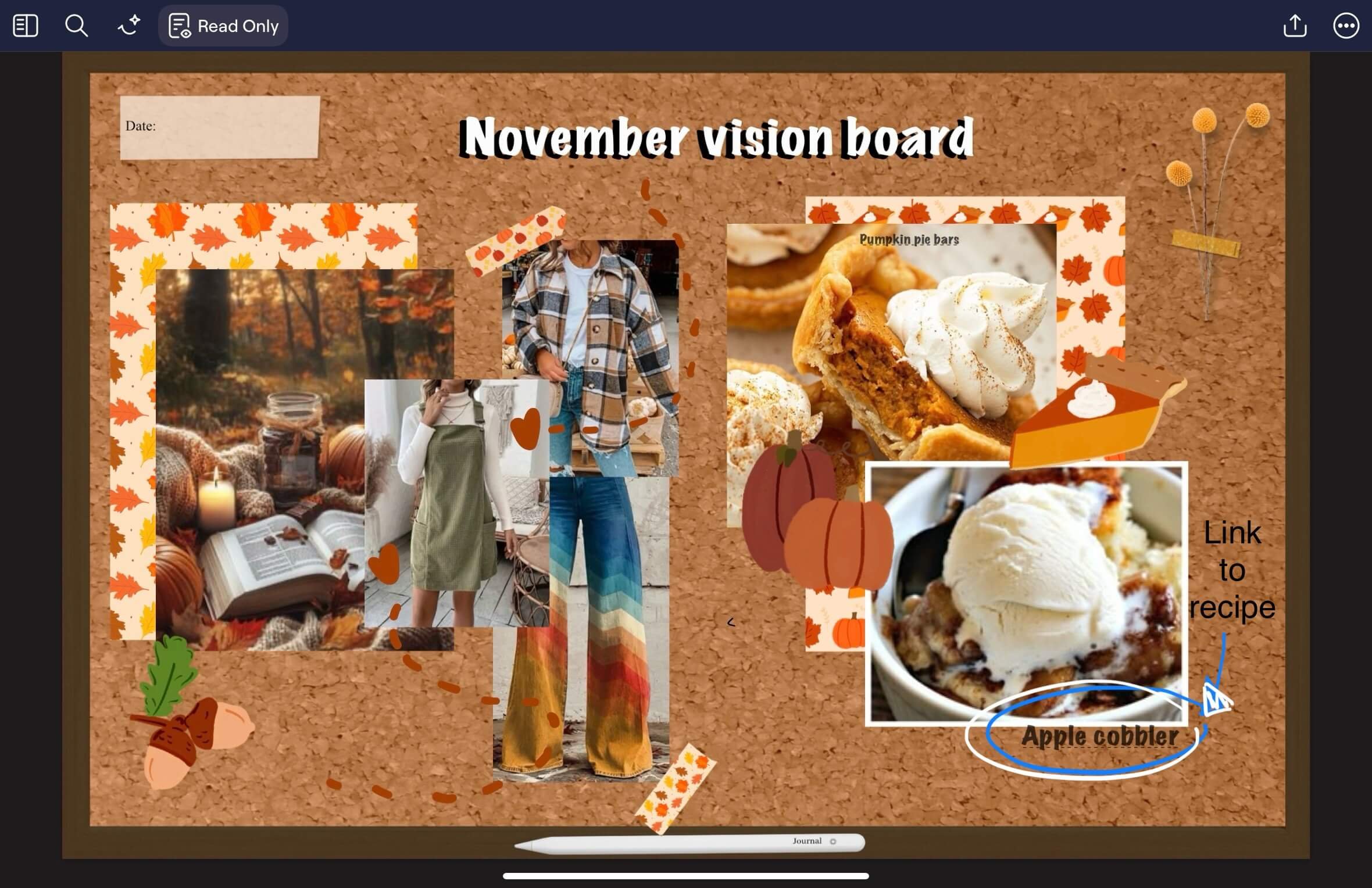
Link to External
This was my November Vision Board, I like to have monthly vision boards to layout everything I hope to do that month. Here I linked it to recipes I wanted to try. I provided a copy of the picture I found off the blog and then linked the blog post so that I could easily make it.
Conclusion
Adding hyperlinks in Goodnotes is a simple way to create notebooks, planners, and journals that are easier to navigate. Whether you're building a custom planner, organizing recipes, or creating an index for your notes, hyperlinks can save time and make your digital workspace feel more organized.
If you're ready to learn even more, explore more beginner-friendly Goodnotes tutorials. Such as step-by-step guide for using digital stickers, mastering the Lasso Tool, customizing your toolbar, and other features to help you get the most out of Goodnotes.
Ready to put these skills into practice? Browse my collection of digital planners, journals, and sticker books designed specifically for Goodnotes. Find Your next Digital Planner, here.
Save for later:

Like this post? You may like these:

Like the Journal used in this Blog post? You may be interested in:

This journal lets you get lost in space with deep blues, stars, and cosmic details in an all-in-one planner system for creative planning and journaling.
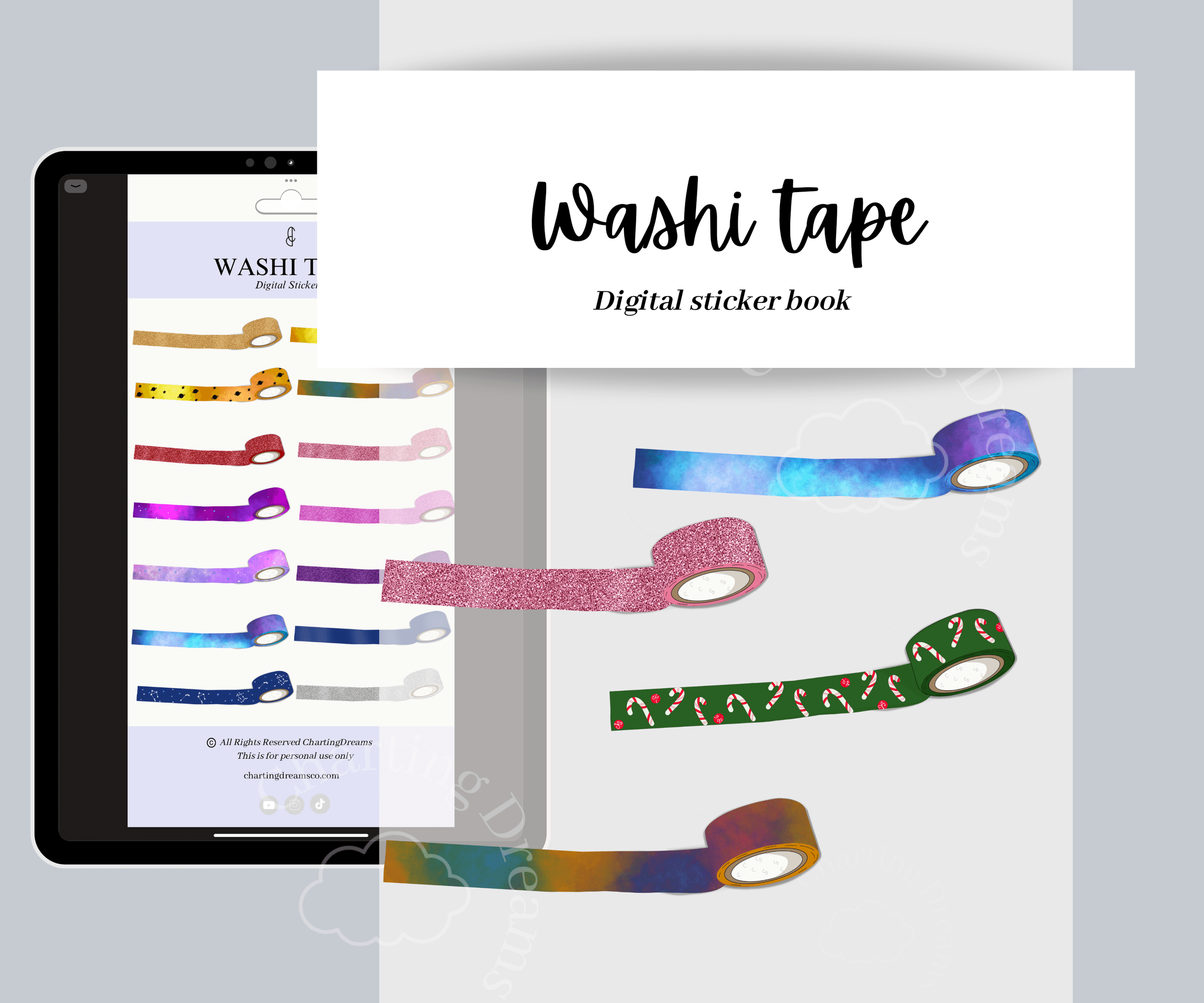
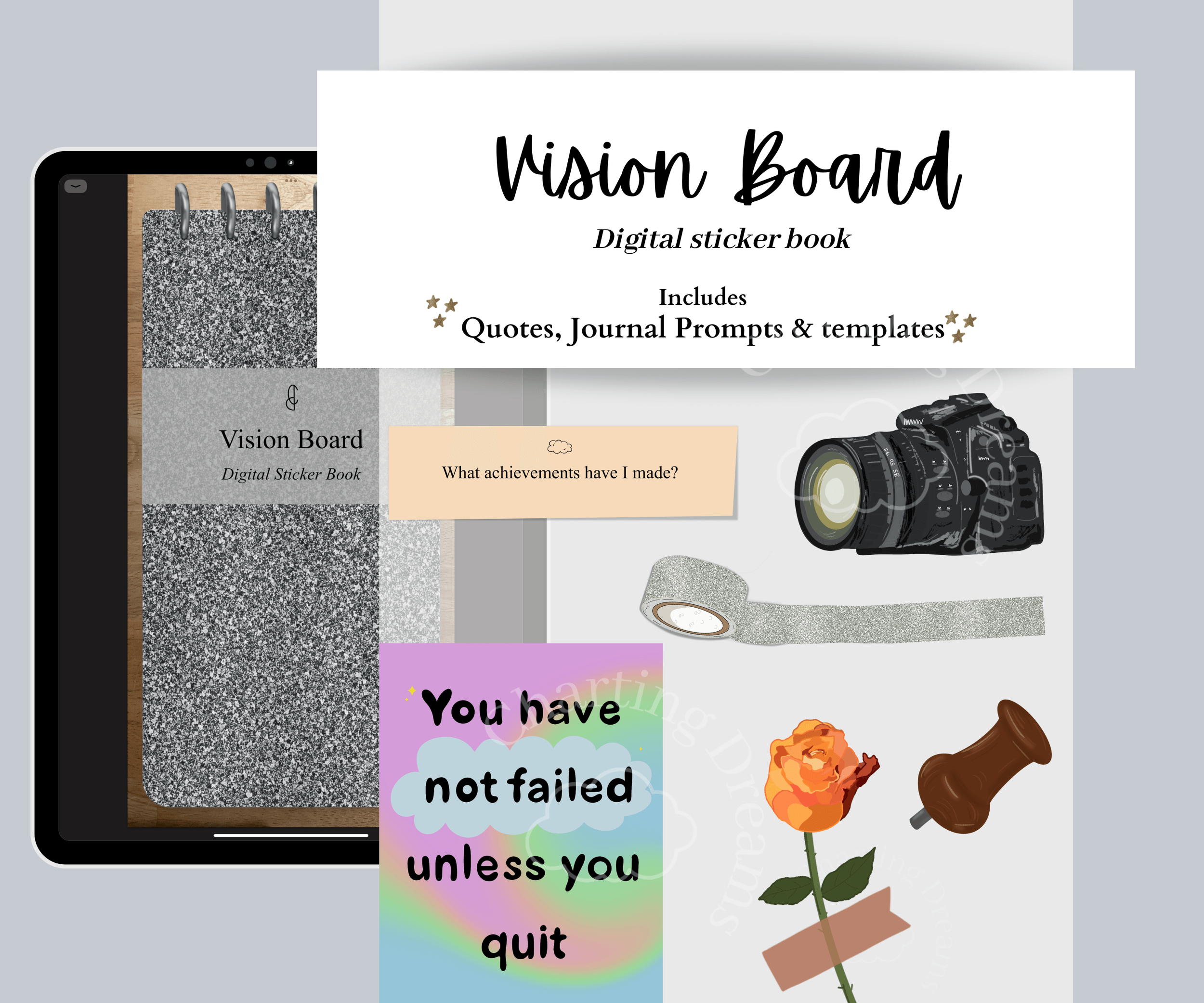
A versatile collection of hand-drawn stickers for digital journaling, planning, and scrapbooking. Includes seasonal artwork, hobby-themed stickers, decorative elements, calendars, and spread accessories all in one organized sticker book.