
How to Start a Digital Journal
So you want to start journaling? Maybe a friend suggested it to help you destress at the end of the day, or perhaps your therapist recommended it to help you process big emotions. Whatever your reason, if you’re here then your ready!
Digital Journaling vs. Traditional Journaling
Traditional journaling keeps it classic with pen and paper. Digital journaling moves things to a laptop or tablet screen. It offers the exact same reflection experience, just in a different medium—but with a lot more flexibility.
Why Start a Digital Journal?
Having a digital journal allows you to easily keep your journal secure and close at hand. My favorite benefits of having a digital journal are reusable layouts, hyperlinks to from my dream journal to vision board with ease, and endless stickers.
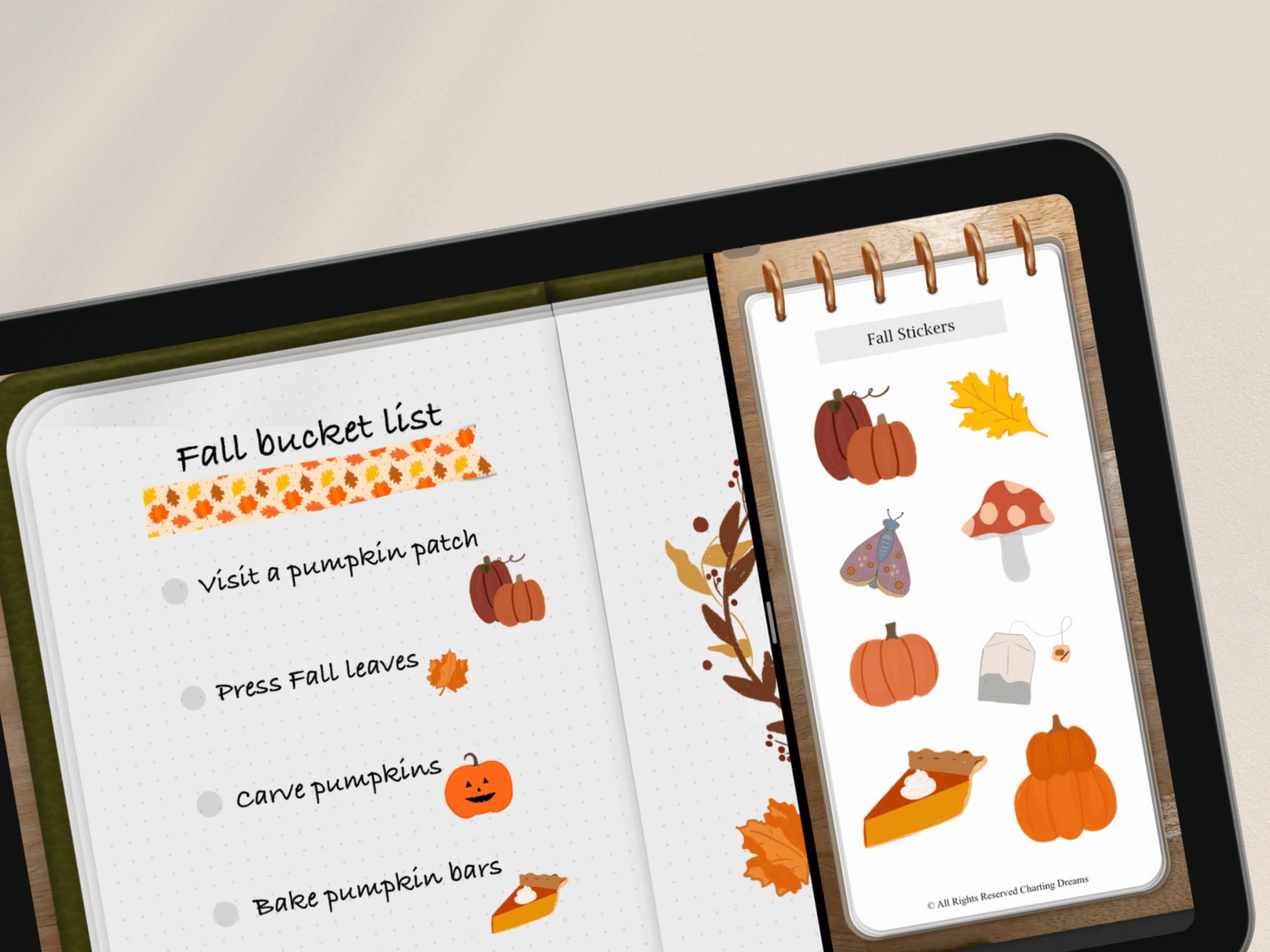
Part of my Fall Bucket List spread in my digital journal. One of my favorite things about journaling in Goodnotes is how easy it is to add stickers, rearrange layouts, and make changes without starting over.
How to start a Digital Journal?
Start by choosing your medium. Pick a digital journaling app that fits the way you like to work and experiment. I personally started with Goodnotes and have stuck with it, but there are plenty of other options that use annotated PDFs as well, including Notability, Noteful, and Microsoft OneNote.
Next, simply start journaling. Don’t overthink the setup or wait for the perfect layout, just begin!
Here are a few easy journaling ideas to get you started (these are my go to):
Feelings and emotions from your day
Dream journal
Habit tracker- new habits, or goals of habits.
i.e Pilates tracker, guitar lessons trackerBullet Journal- Calendar of habits/ to-do list, habit tracker or goals
Vision Board
Art Journal
Scrapbook
Save This: Digital Journaling Starter Guide
Ready to get started? Choose your favorite journaling app, create your first page, and remember that it doesn't need to be perfect. It just needs to be yours.
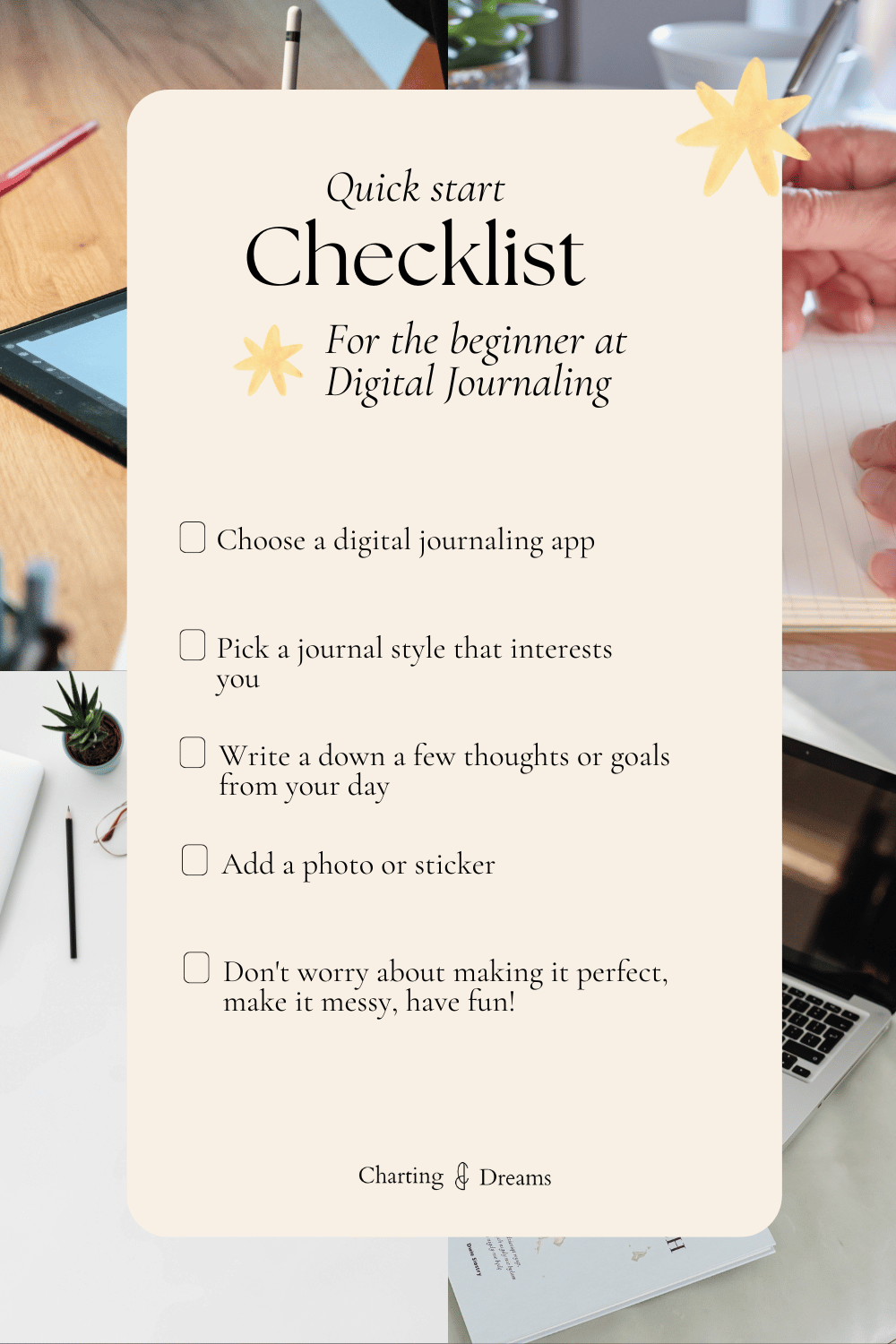
Need a little extra help getting started? -Check out these guides:
Ready to start planning- check out these Planner bundles.
Designed to make journaling easier from day one. They include journal prompts, pre-made bullet journal spreads, and ready-to-use layouts so you can start writing without overthinking the setup.


📌 Love this tutorial? Save it for later!
Designed for bringing all self care tools together in one calming space for reflection and growth.