
Learning how to create a New Year vision board on your iPad is a gentle, creative way to map out your self-care journey and personal growth. Creating a new canvas for your year can bring a mix of excitement and overwhelm. This guide is designed to ease that stress by moving away from strict timelines or pressure-filled resolutions. Instead, digital vision boarding gives you a peaceful, clutter-free space to define the daily habits, feelings, and mindfulness practices you want to invite into your routine. Because your goals will naturally evolve, designing your layout digitally allows you to easily adjust your pages as your mindset shifts. Follow along to learn how to layer encouraging quotes, personal reflections, and cozy digital stickers to build a supportive workspace that celebrates your unique progress all year long.
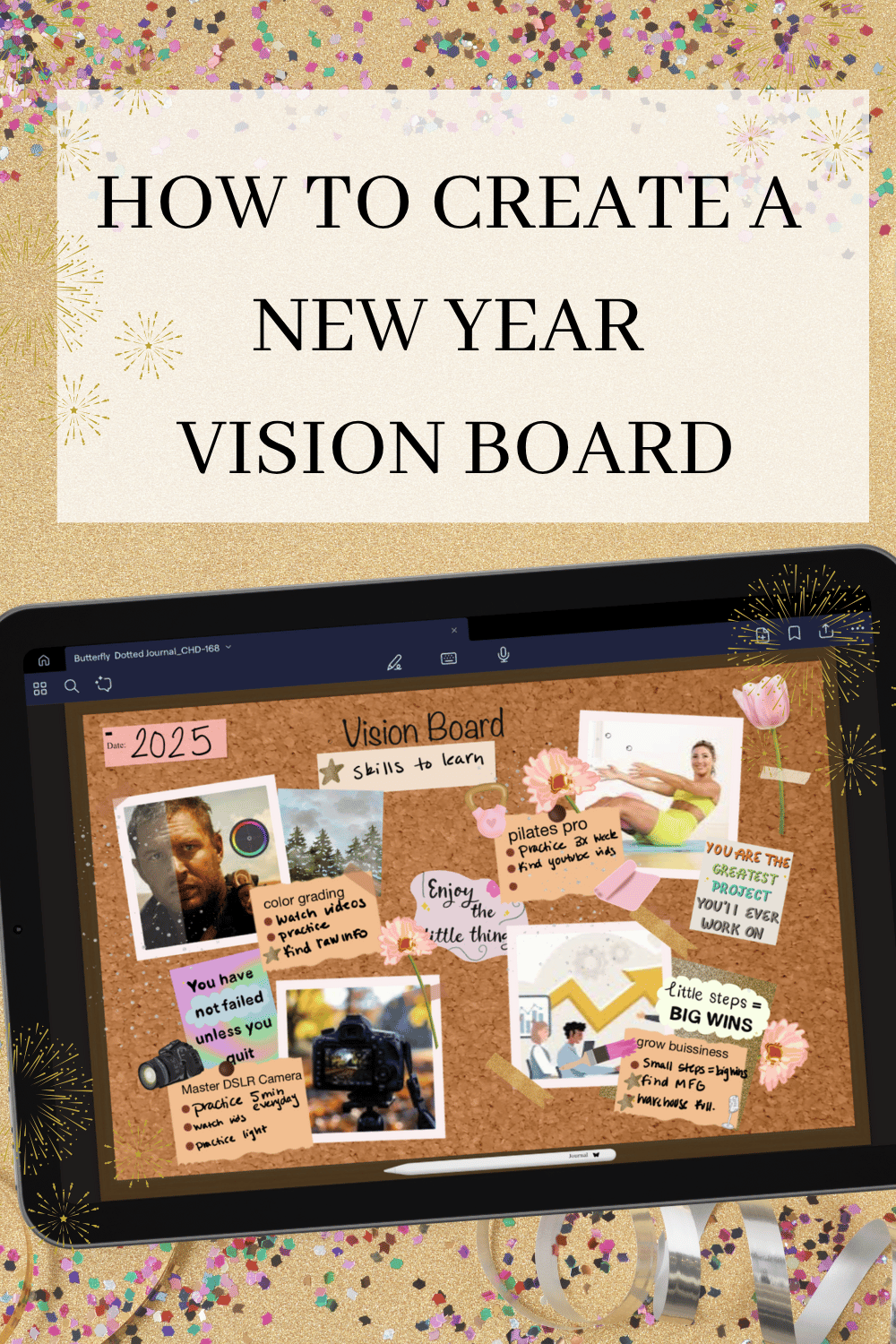
What is a vision board for the New Years resolution?
A New Years Resolution Vision Board is everything you want to accomplish for the next year, be that career, friendships, work on body and mind or travel plans.
The typical categories are:
Career Goals
Travel Goals
Wellness Goals
Financial Goas
I like to add:
Hobbies
Mind
Body
Home
What is the major rule for creating a vison board?
My rule for creating a vision board is to have fun. This tool is used to be a creative outlet and to free your mind. I find it helpful getting everything I want to do that year out of my mind and onto a page. It’s also fun to look back and see what I’ve accomplished and what may have been a far too reaching goal, that should actually be put on a 5 or 10 year plan vision board.
What should be included?
You should include anything you want to achieve or experience in the next year.
How to get started?
Get out a piece of paper, open your notes in your planner or a Journal and answer the following questions.
What would I like to accomplish?
This can be a brain dump of anything you’d like to accomplish in your next chapter.
For everything you’d like to accomplish answer these following questions:
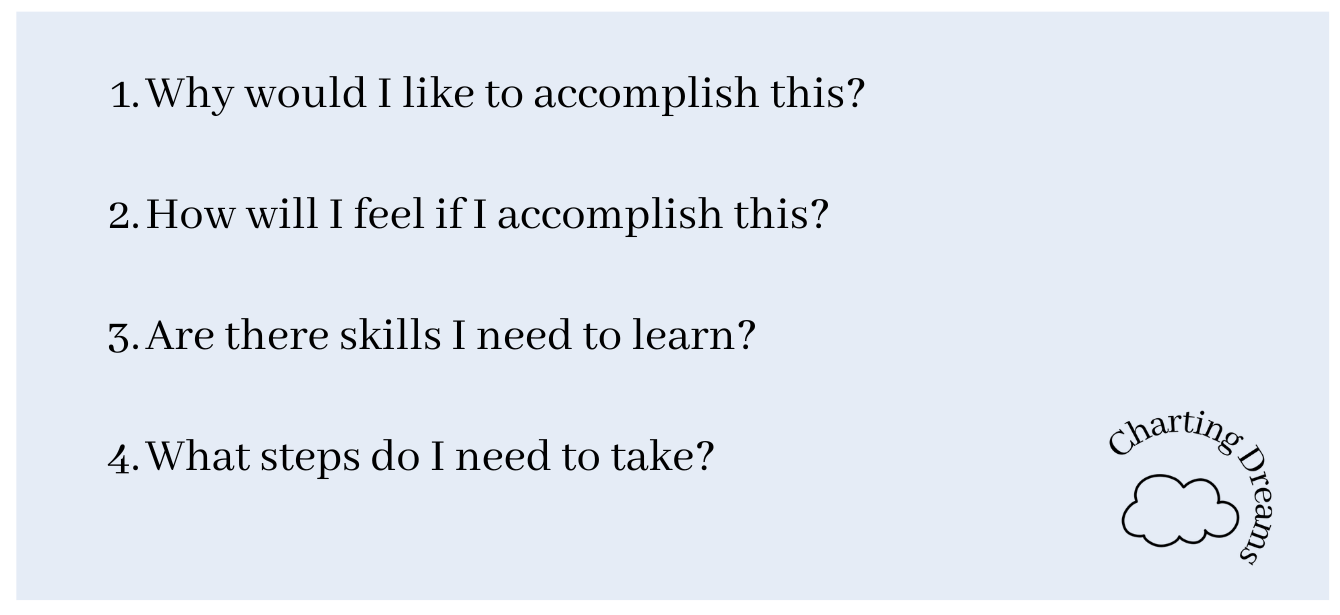
Create your Vision Board
Now that we have our goals and actions steps it’s time to create our Vision Board. I now create my Vision Boards on my digital planner as doing it physically often overwhelmed me because, I’d think of all the clean up. So now with digital planners I can create the Vision Board I want but with less time and clean up.
Step 1: Where you saved your Goals, circle how you’ll feel and the action steps. This will be so we can create the vibe of our Vision Board.
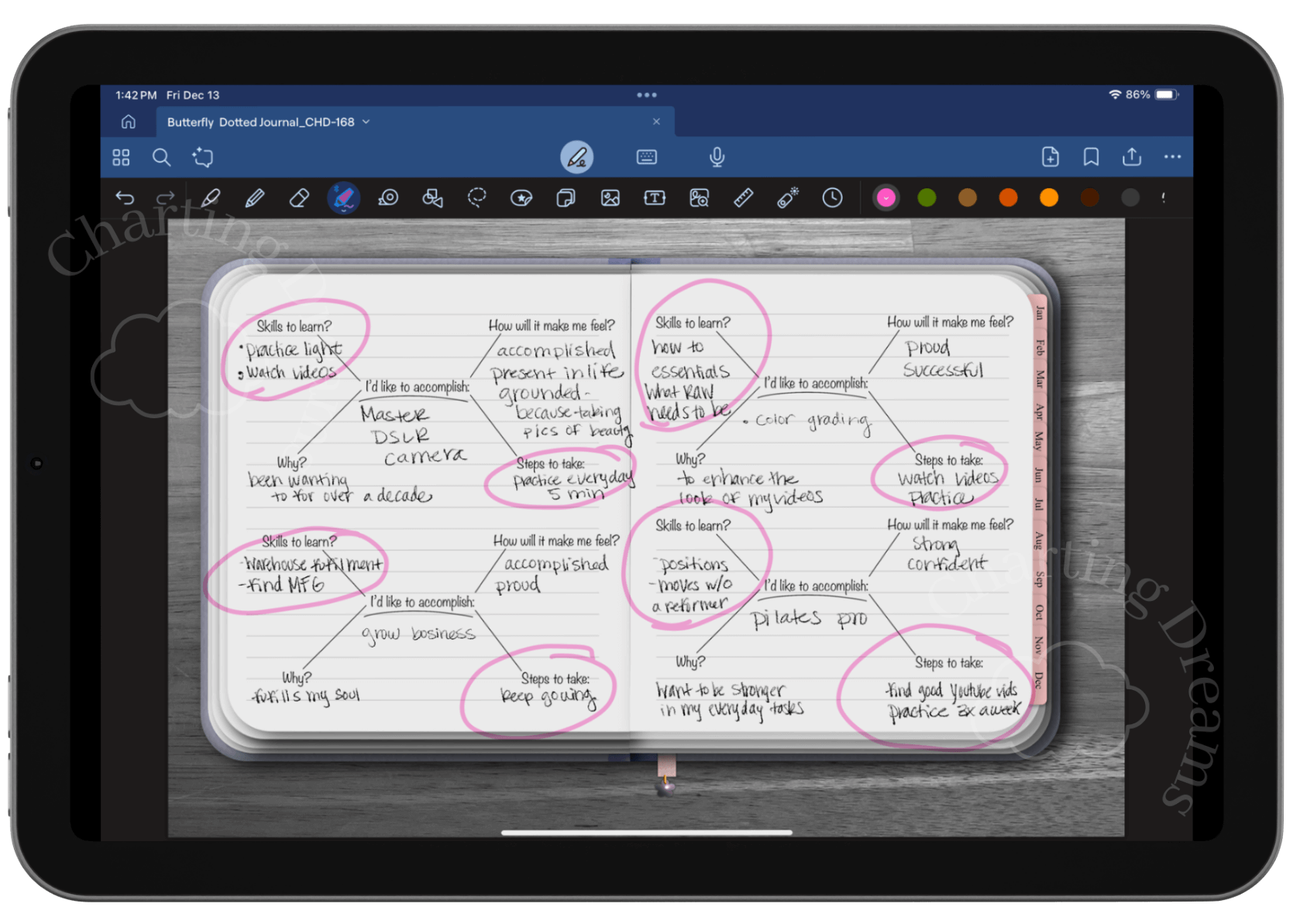
Step 2: Find images and texts that reflect the vibe of your Vision Board. These will be to inspire you.
Step 3: Add your images, quotes and goals to your Vision Board. Embellish with glitter or stickers, anything to get you excited about your goals.

Journal prompts:
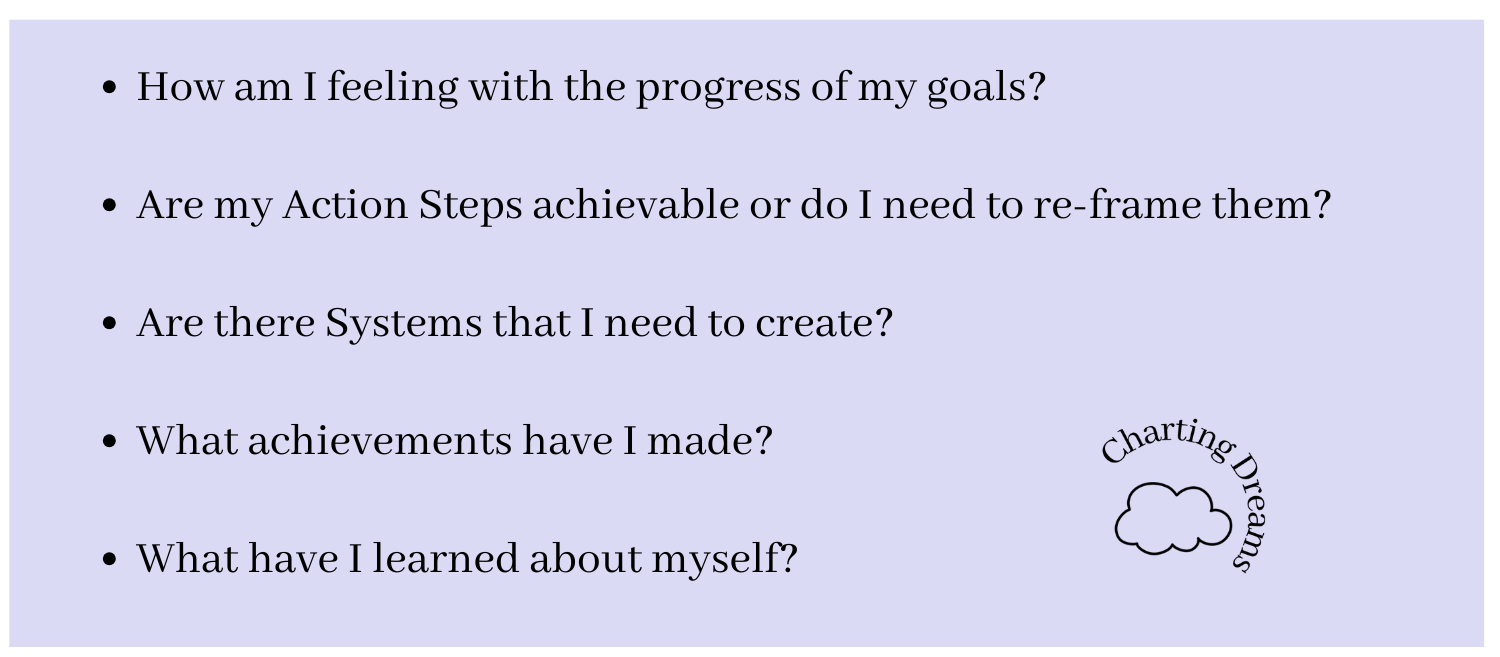
After creating a yearly vision board I find it’s helpful to have check-ins on a biweekly to monthly basis. This is to guide me to accomplish my goals. Here’s are some Journal prompts that you can include on your Vision Board to remind you to check- in.
Conclusion: Transform Your Goals Into Daily Inspiration
A monthly vision board is more than a creative layout—it is a functional roadmap that translates big, yearly dreams into manageable, bite-sized daily actions. By designing a focused workspace on your iPad, you ensure that your intentions, habits, and self-care routines stay front and center where you can actually see them every single day.
Build Your Ultimate Digital Routine:
If you are ready to make digital planning a seamless part of your lifestyle, explore these beginner-friendly guides to build your setup:
Kickstart Your Practice: Overcome the blank page anxiety and find your style with our complete guide on How to Start a Digital Journal.
Beginner's Roadmap: Master the basics of navigation and layout setups using the How to Start Journaling for Beginners Guide.
Find Your Clarity: Unlock deep self-awareness and break through mental blocks with these 10 Journal Prompts to Inspire Reflection and Self-Discovery.
Design Your Aesthetic Vision Board Today
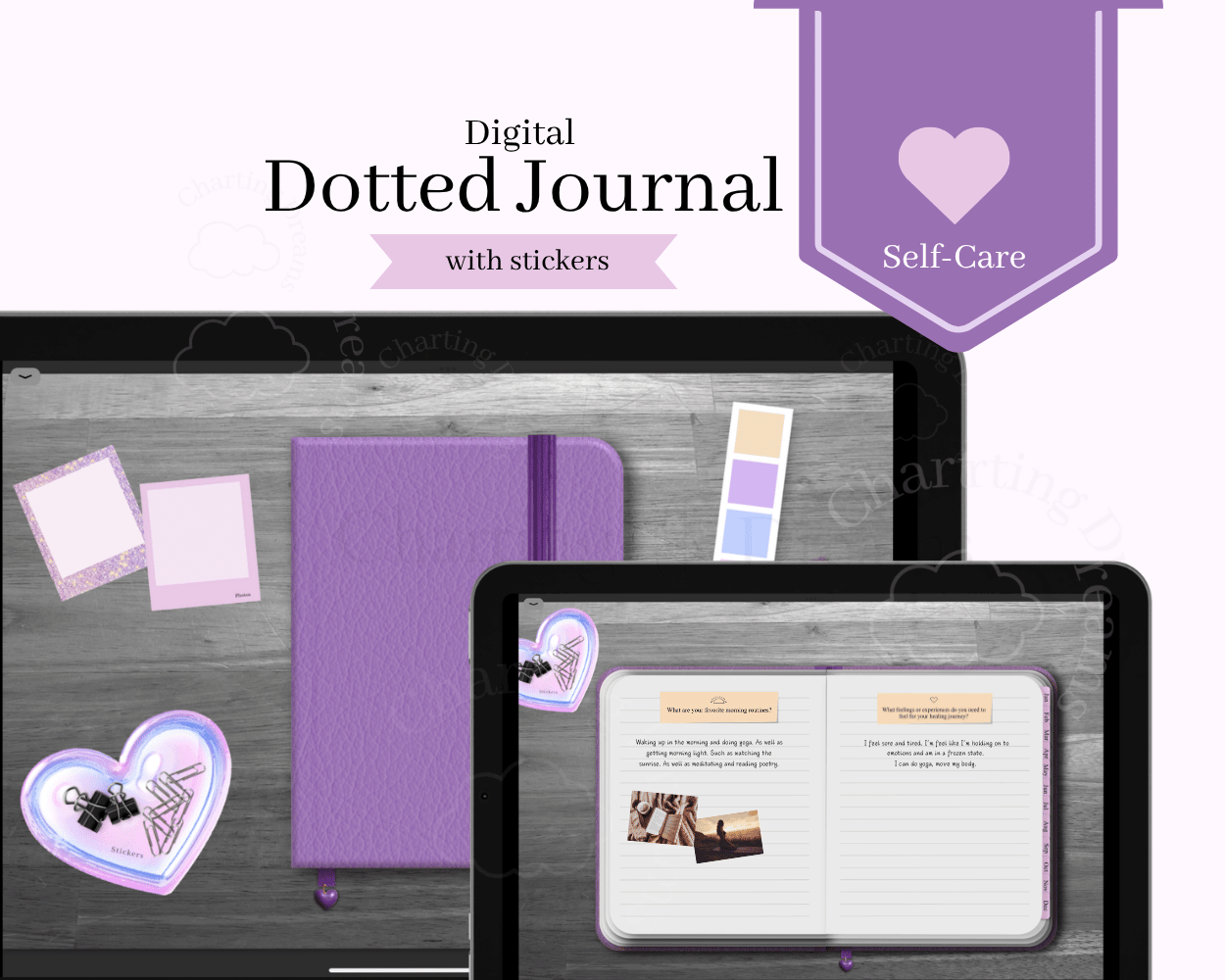
An inspiring vision board requires beautiful, intentional visuals to keep you motivated. Elevate your monthly manifestation spreads using our curated Vision Board Digital Sticker Book. Pair it seamlessly with the all-in-one Self-Care Dotted Journal Bundle to house your goals, habit trackers, and mood boards in one peaceful, organized digital space.
Want to create a Vision Board with someone? Watch the video below

Save this for later on Pinterest:

Turn your goals into a visual journal space that keeps your intentions front and center. Perfect for vision board journals, goal setting, manifestation planning, and personal growth spreads.